20
CUSTOMIZING TV SETTINGS
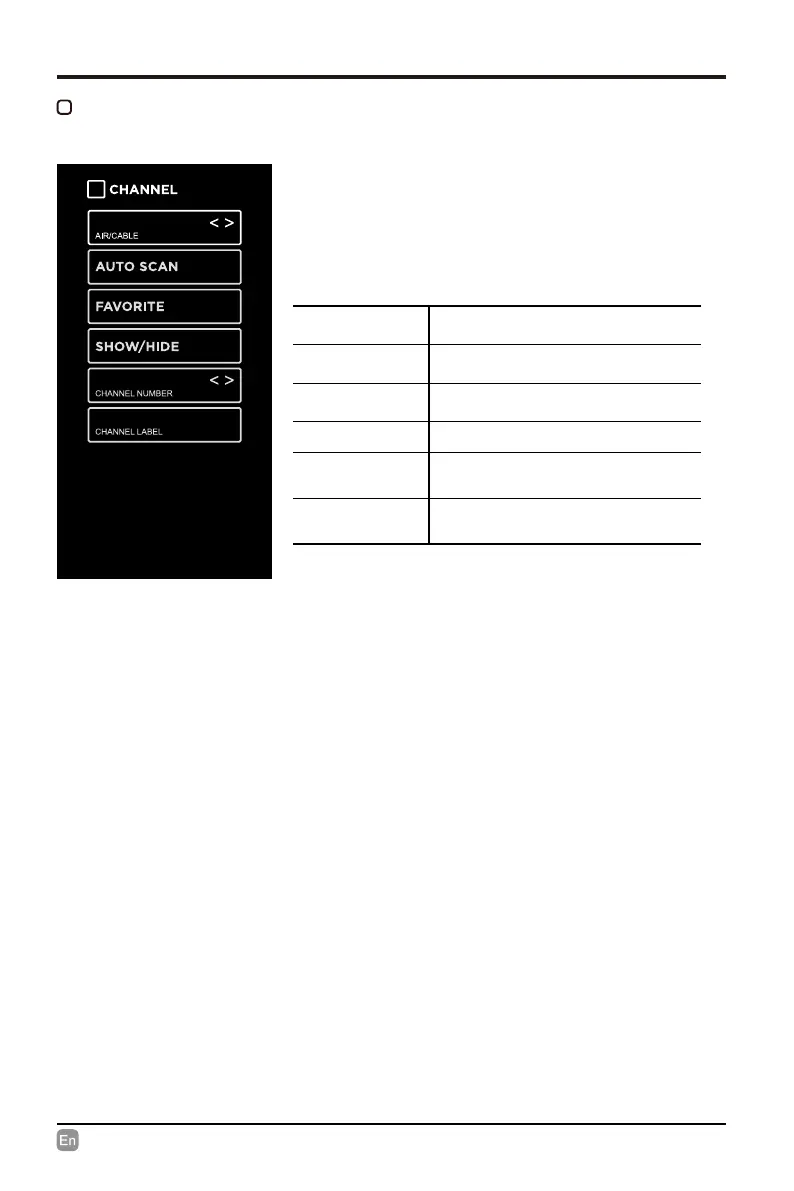
CHANNEL
AIR/CABLE
Select antenna between Air and
Cable.
AUTO SCAN
Select the Auto Scan feature to scan
your available Air and cable channels.
FAVORITE
Set the selected channel as a favorite
channel.
SHOW/HIDE Show/Hide the selected channel.
CHANNEL
NUMBER
Display the current channel number.
CHANNEL
LABEL
Display the current channel label.
• Press MENU to display the main interface, use
the Arrow buttons to highlight TV SETTINGS and
press OK to conrm. Then use the Arrow buttons
to select CHANNEL to enter and adjust each
option setting.
CABLE


 To Next Page