22
CUSTOMIZING TV SETTINGS
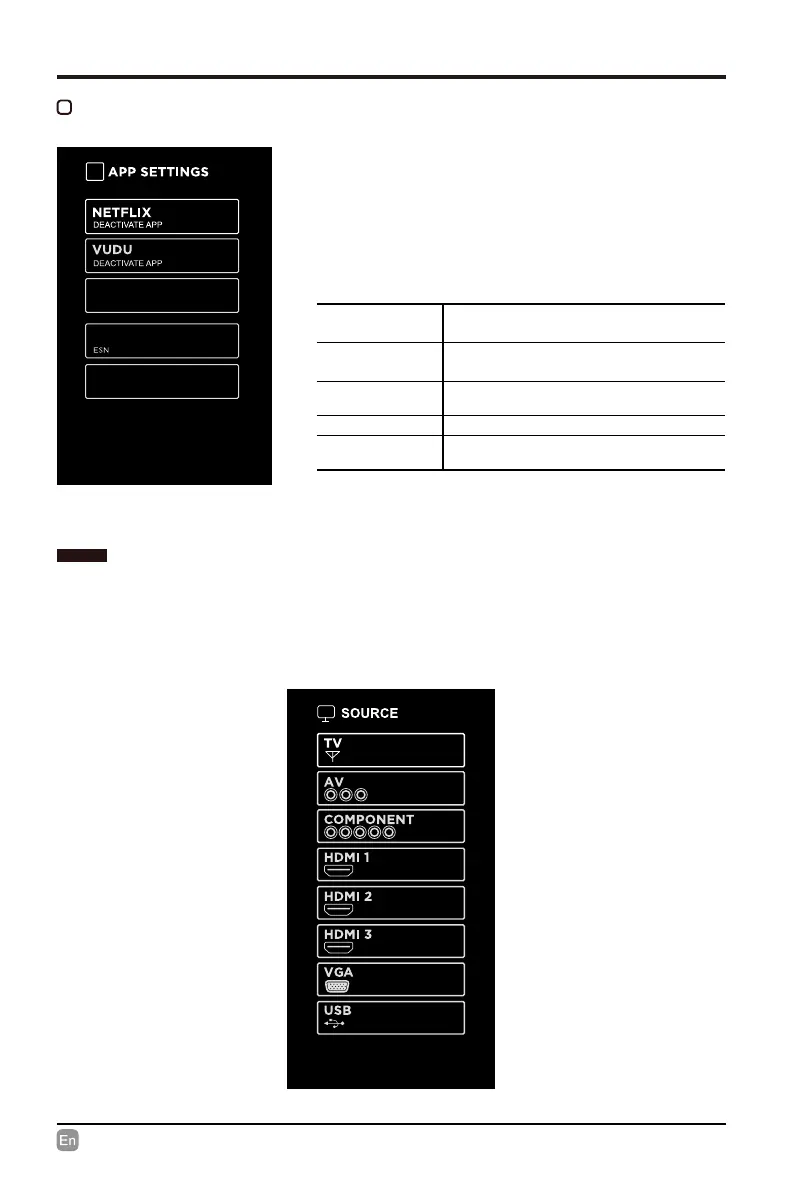
APP SETTINGS
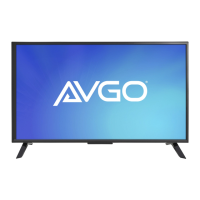
• Press SOURCE on the remote control or on the main unit to display the source menu, then
use the Arrow buttons to cycle among the dierent input sources: TV/AV/COMPONENT/
HDMI/VGA/USB, then use the Arrow buttons to highlight the desired source and press OK
to conrm.
SOURCE
• Press MENU to display the main interface,
then use Arrows to highlight TV Settings. Use
Arrows to cycle among different options and
select App Settings to enter and adjust each
option setting.
Exception while opening/reading file.
4.3.4.eab833d.2017072610.2017-08-23
NETFLIX VERSION
Terminate Netflix
DEACTIVATE
APP
Deactivate Netix and clear the account
information.
DEACTIVATE
APP
Deactivate Vudu and clear the account
information.
TERMINATE
NETFLIX
Exit Netix
ESN Electronic Serial Number.
NETFLIX
VERSION
Show Netix Version
Note: For reference only.



 To Next Page