39
A360 PersonAl Mixer User GUide
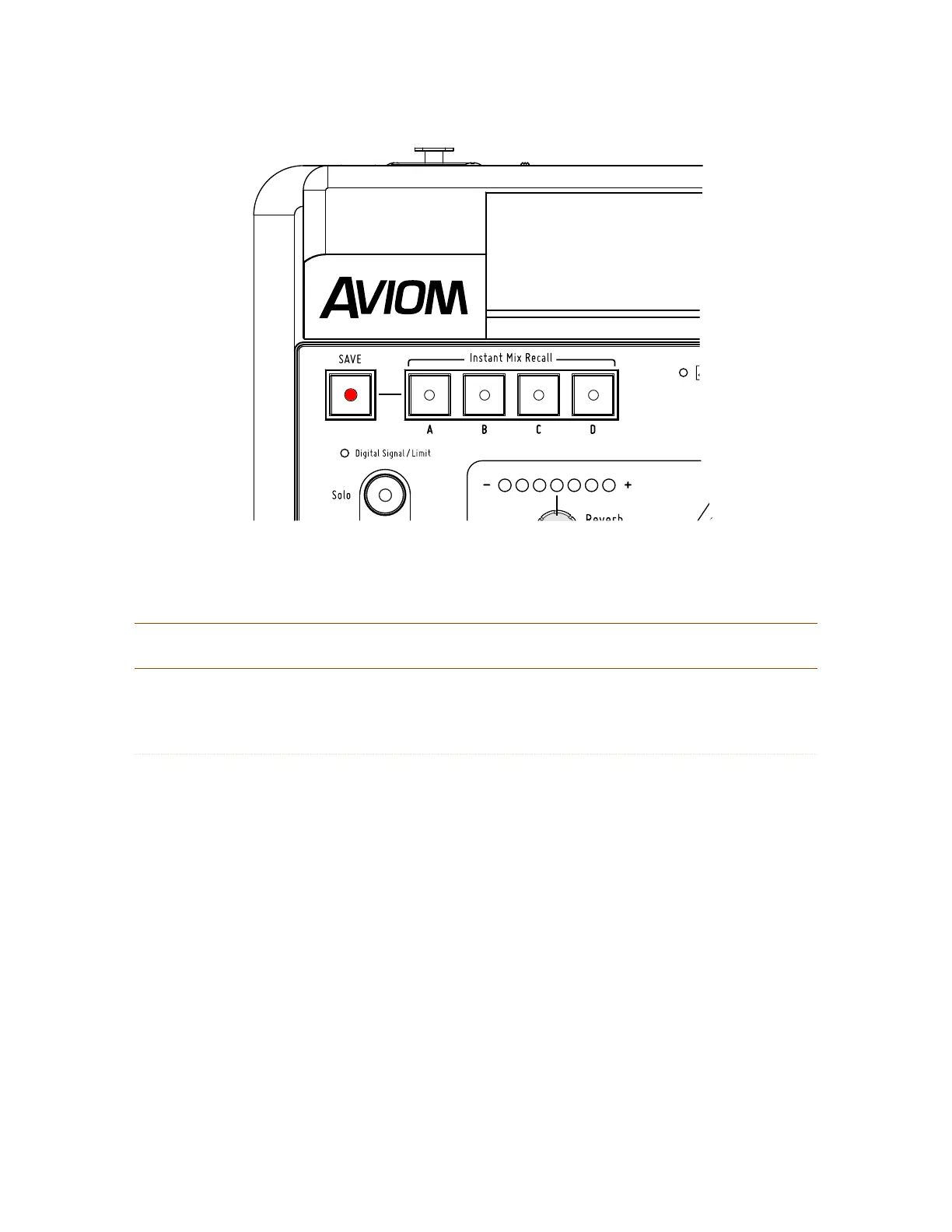
The Save button is used for both Instant Mix Recall locations and standard mix locations.
P
Note: The Save button cannot be activated if a channel is in Solo.
Instant Mix Recall Buttons
As their name implies, the four Instant Mix Recall™ locations allow a saved mix preset to be recalled with
one button press. The four locations, labeled A, B, C, and D, save the same mix-level data as when a mix is
saved to a standard preset location associated with a channel button.
Save to an Instant Mix Recall Location
To store a mix to a Instant Mix Recall location:
1. Hold down the SAVe button.
2. The red LED in the Save button will blink.
3. Continue to hold the SAVe button and then press Instant Mix Recall button A, B, C, or D.
4. Release the SAVe button.
5. The channel mix buttons will flash to confirm the save operation and the Instant Mix
Recall button where the mix was just stored will light green.
After saving a mix to an Instant Mix Recall location, its LED will remain lit as a reminder until another Mix
Preset is stored.



 To Next Page