41
A360 PersonAl Mixer User GUide
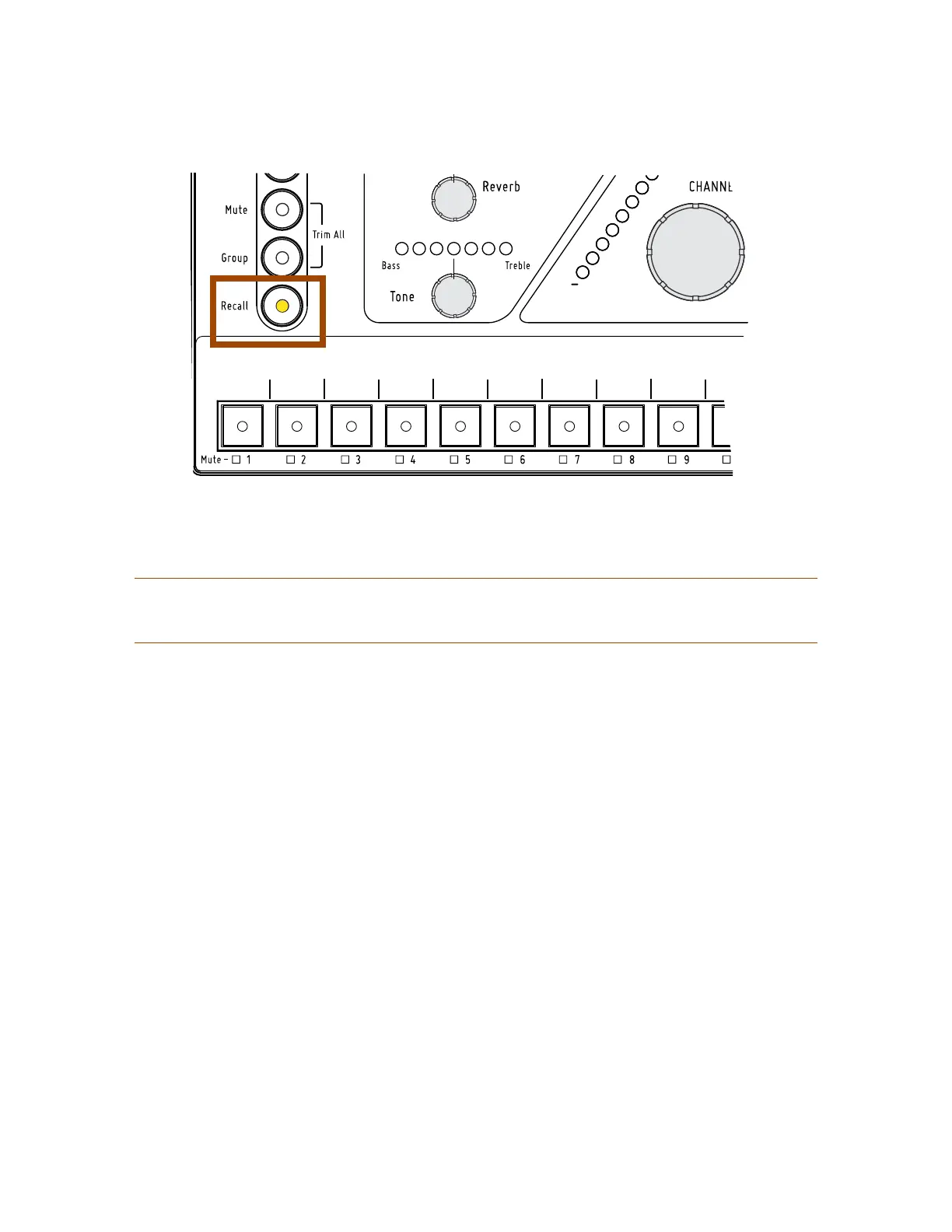
Press the Recall button followed by a channel button to recall a mix.
P
Note: Mixes cannot be saved or recalled if a channel is in Solo mode, as indicated by the flashing
green Solo LED.
Clear a Mix
The current mix can be cleared and reset by holding the reCAll button and then pressing the mute
button, returning all channel level settings to their default values. Resetting a mix does not erase the mix
parameters stored in memory for a standard Mix Preset or Instant Mix Recall location. To overwrite a mix
after performing a reset, use the Save button procedures described previously. See page 38.
This command resets the following:
• Channel volumes are set to zero
• All channels are unmuted
• Pan for all channels is set to center
• Spread for all stereo channels is set to full
• Channel Tone settings are set to center (flat)
• Reverb levels for all channels are set to zero
• Groups are cleared
• The Dual Profile Channel’s mix values are reset for Profiles A and B
• Profile A is selected
• Channel Button 1 is selected
• Ambience is reset to its default level
Channel mapping assignments, the Mode switch position, and all saved Mix Presets are unaffected.



 To Next Page