62
A360 PersonAl Mixer User GUide
Using Legacy Input Devices
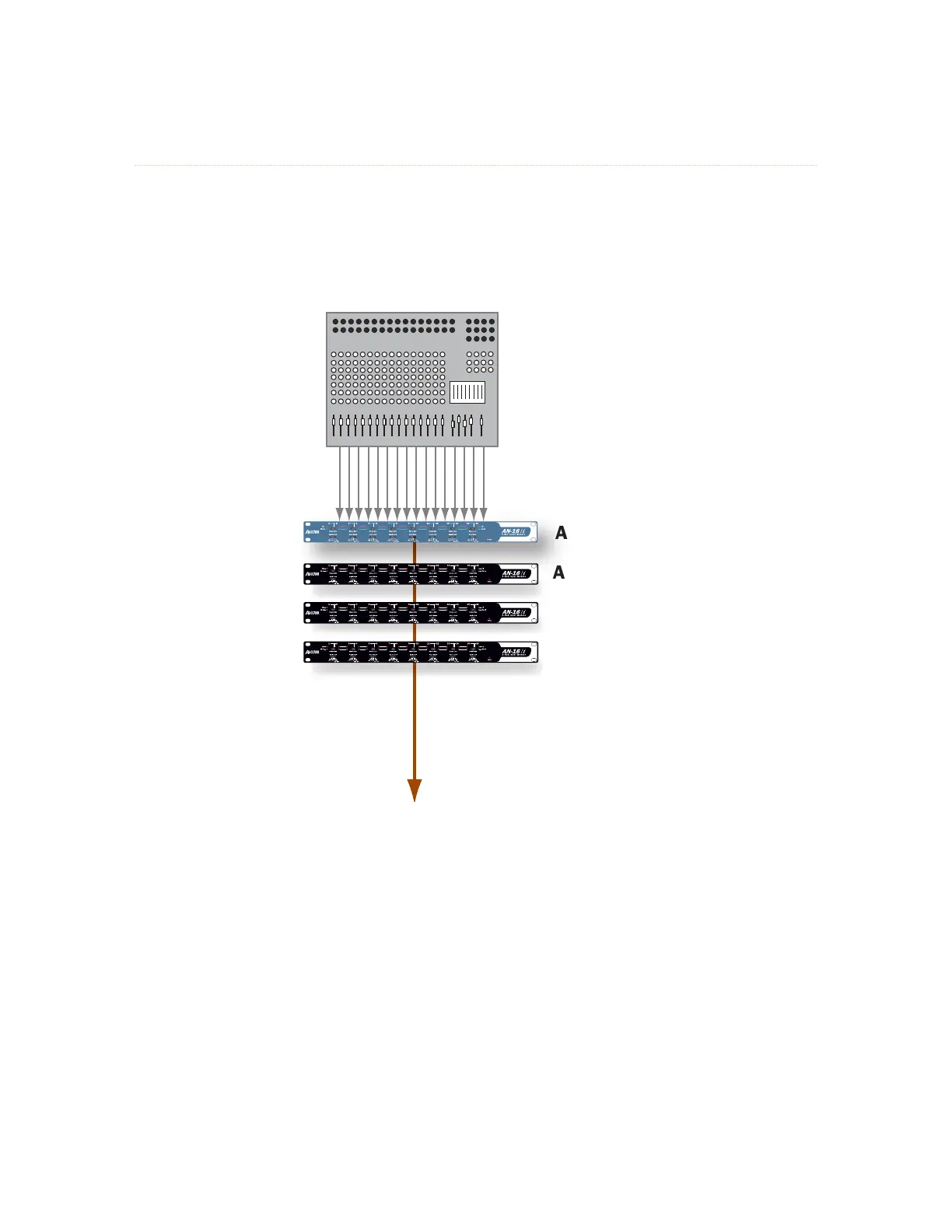
One legacy input device or Pro16 console card may be used in a multiple input device configuration—it
will default to supplying the first 16 slots to the network and must be connected to the A-Net IN of the first
Pro16e device in the system. The Pro16e input devices (such as the AN-16/i v.2) should be set to Slot Range
17 and above for this application.
AN-16/i
AN-16/i
v.2
AN-16/i v.2
AN-16/i v.2
64-channel
Pro16e stream
*
64-channel
Pro16e stream
One legacy AN-16/i and three AN-16/i v.2 Input Modules can provide up to 64 audio sources for A360 Personal Mixers
to select from.
* A Pro16 device—original AN-16/i, AN-16/i-M, Y1 A-Net card, ASI, or a third-party console card—may be
substituted for the first AN-16/i v.2 in a daisy chain of input devices; a legacy device automatically defaults to
providing Slot Range 1-16 to the network.



 To Next Page