NOTE:
1. The Windows system CD may be required when
installing on some PC’s.
2. To ensure your computer can identify the USB
scanner, please install scanner driver first before
connecting the scanner to your computer.
3. The scanner driver contains TWAIN, ISIS and WIA
driver. If you are running Windows Me, Windows XP,
or Windows Vista, after the installation of scanner
driver is completed, this scanner allows you to scan
via a TWAIN, ISIS, or a WIA interface. Start your
TWAIN-compliant image editing software application
to select a TWAIN or WIA user interface or your ISIS
software to select an ISIS user interface. You may
also launch Microsoft’s Scanner and Camera Wizard
to scan via a WIA user interface.
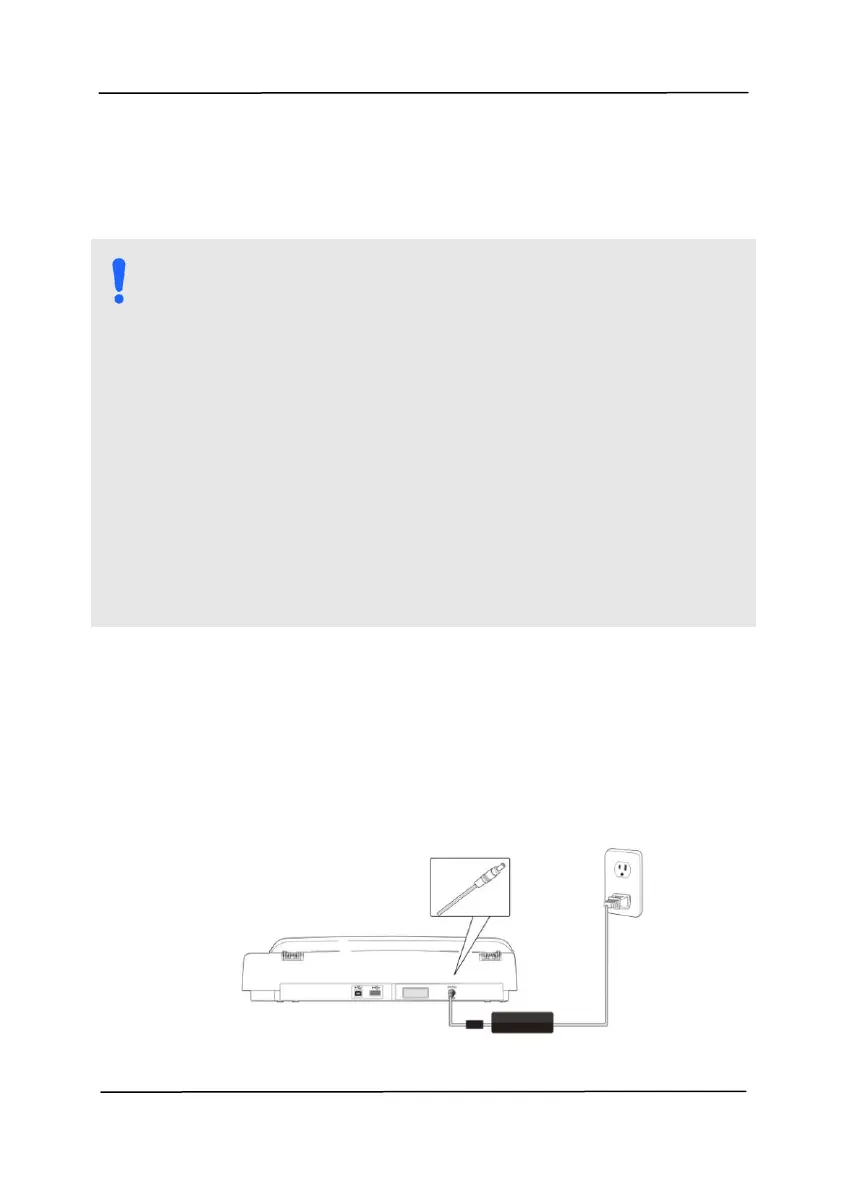
Before connecting, make sure the power switch is off.
your scanner. Insert the other end to an appropriate power
outlet.



 To Next Page