User’s Manual
4.14 The Information Tab
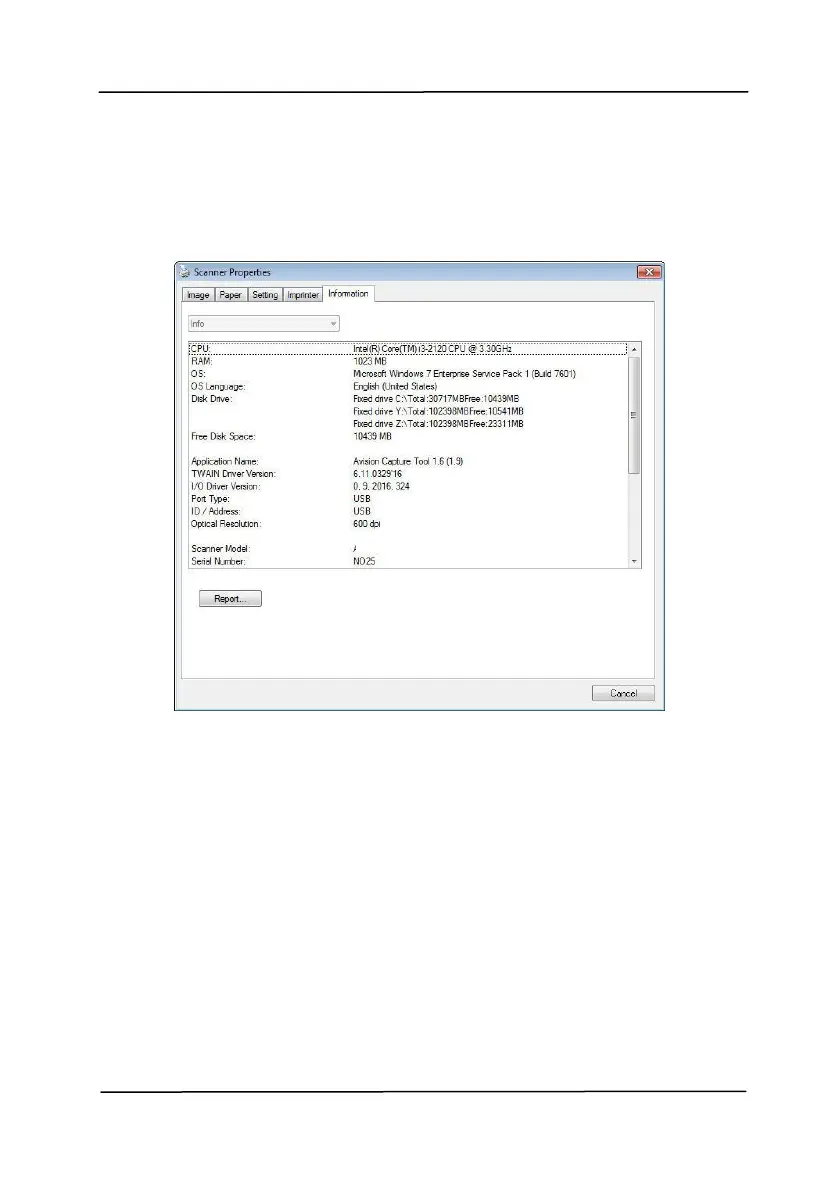
The Information tab displays the following system and scanner
information.
The Information tab dialog box
The “Report” button:
If you encounter any error message while using the scanner,
click the Report button. A report.txt file [Windows XP:
C:\Documents and Settings\All Users\Application
Data\%PRODUCTNAME%; Vista, Windows 7, Windows 8,
Windows 10: C:\ProgramData\%PRODUCTNAME% (C: system
drive)] will be generated. Please send this file to the nearest
service center for trouble shooting.



 To Next Page