User’s Manual
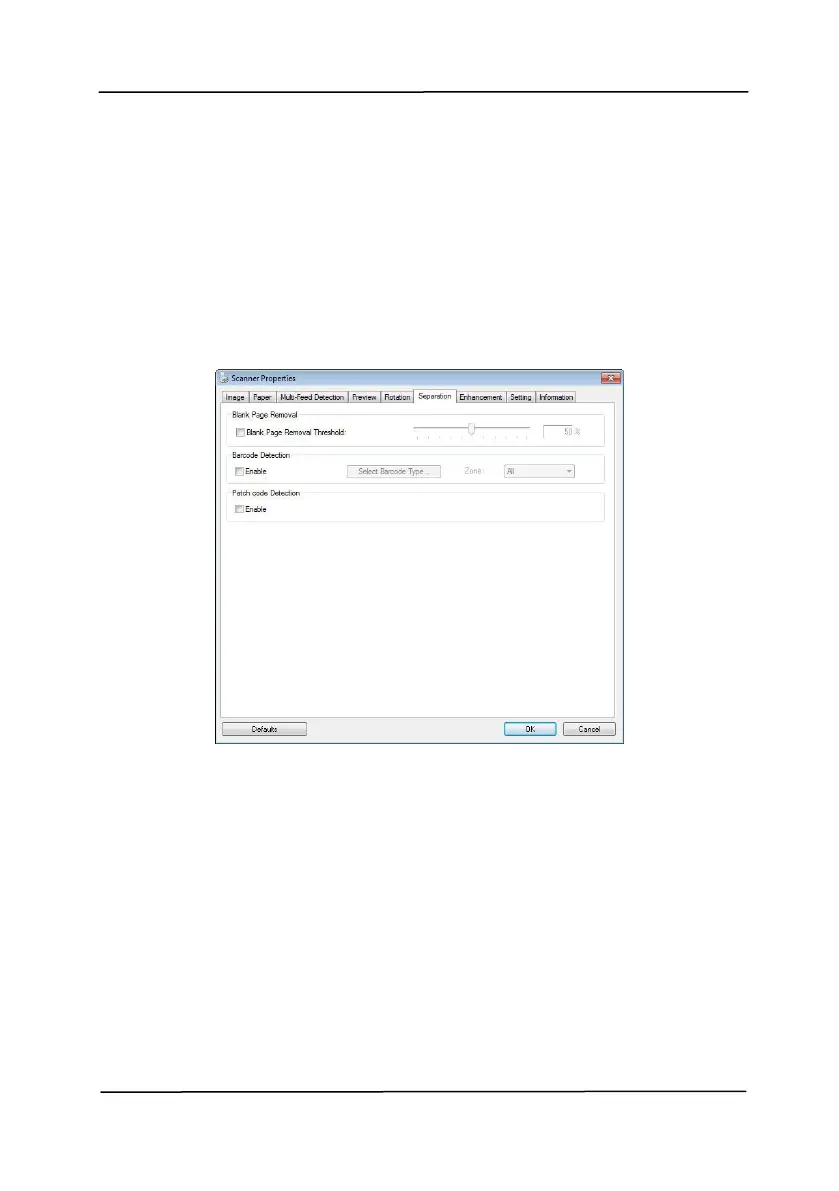
4.11 The Separation Tab
The Separation tab allows you to enable the detection engine
to detect the blank page, barcode, and patch code and then
notify the software application which supports document
separation to separate your multi-page documents. Choices:
Blank Page Removal, Barcode Detection, Patch Code Detection.
Choices: None, Blank Page Removal Threshold,
Image Size.
None – Do not remove the blank pages.
Threshold - Move the slider to the left or right
to define your threshold for the blank page.
Image Size – Range: 1~ 10000 KB. Specify
your desired image size to detect the page as a
blank page. For example, if 3 KB is selected,
any page less than 3 KB will be recognized as
blank page.



 To Next Page