User’s Manual
9. Troubleshooting
9.1 Removing the abnormal lines on your scanned
image
If your scanned image is shown with abnormal lines on it, it is
probably caused by the dust or toner particle on the strip of
document glass.
To remove the dust or toner particle,
1. Dip a soft clean cloth with isopropyl alcohol (95%).
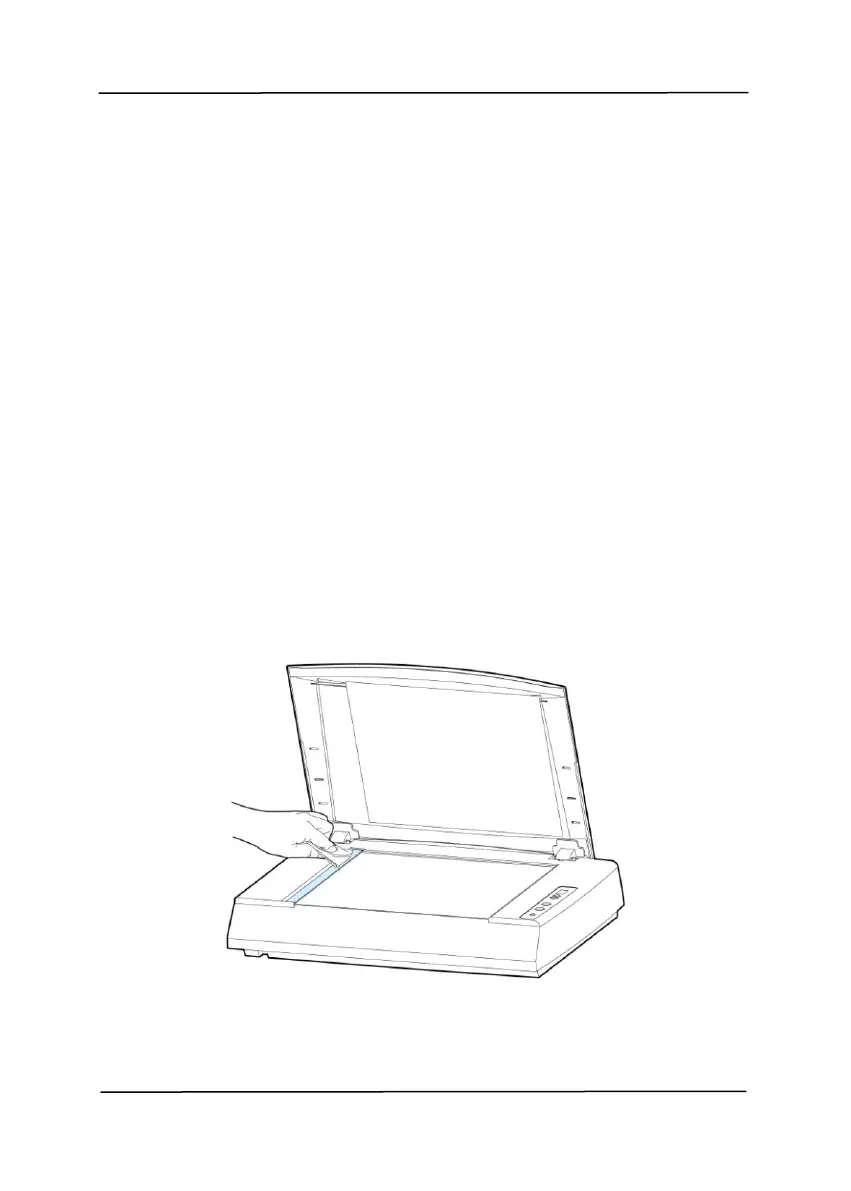
2. Wipe the strip of document glass as shown below.
3. Close the document cover. The product is now ready for
use.
Figure 9-1



 To Next Page