User’s Manual
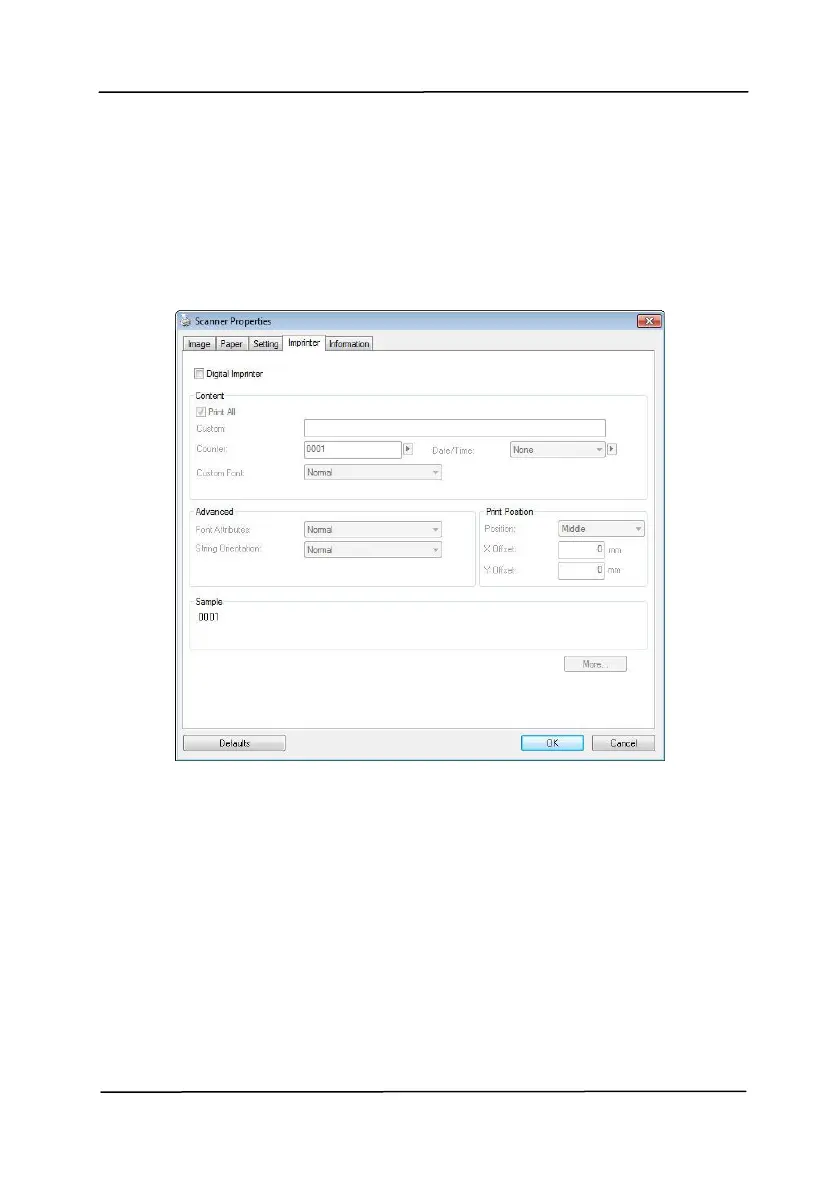
4.13 The Imprinter Tab
The Imprinter tab allows you to print alphanumeric characters,
date, time, document count and custom message on your
scanned image if digital imprinter is selected or at the back of
your document if external imprinter is selected.
Choice: External Imprinter, Digital Imprinter. If you
have installed an external imprinter, choose external
imprinter. If you do not have an imprinter, choose digital
imprinter. Note External Imprinter provides a vertical and
rear-side print capability while digital printer provides a
horizontal and front-side print capability.



 To Next Page