User’s Manual
8.4.2 Replacing the ADF Snap-in Pad Module
After scanning approximately *20,000 pages through the ADF,
the pad may be worn out and you may experience problems
with document feeding. In this case, it is highly recommended
to replace the pad module with a new one. For ordering the
pad module, please consult your nearest dealer and follow the
procedure below to replace it.
Disassembling Procedure
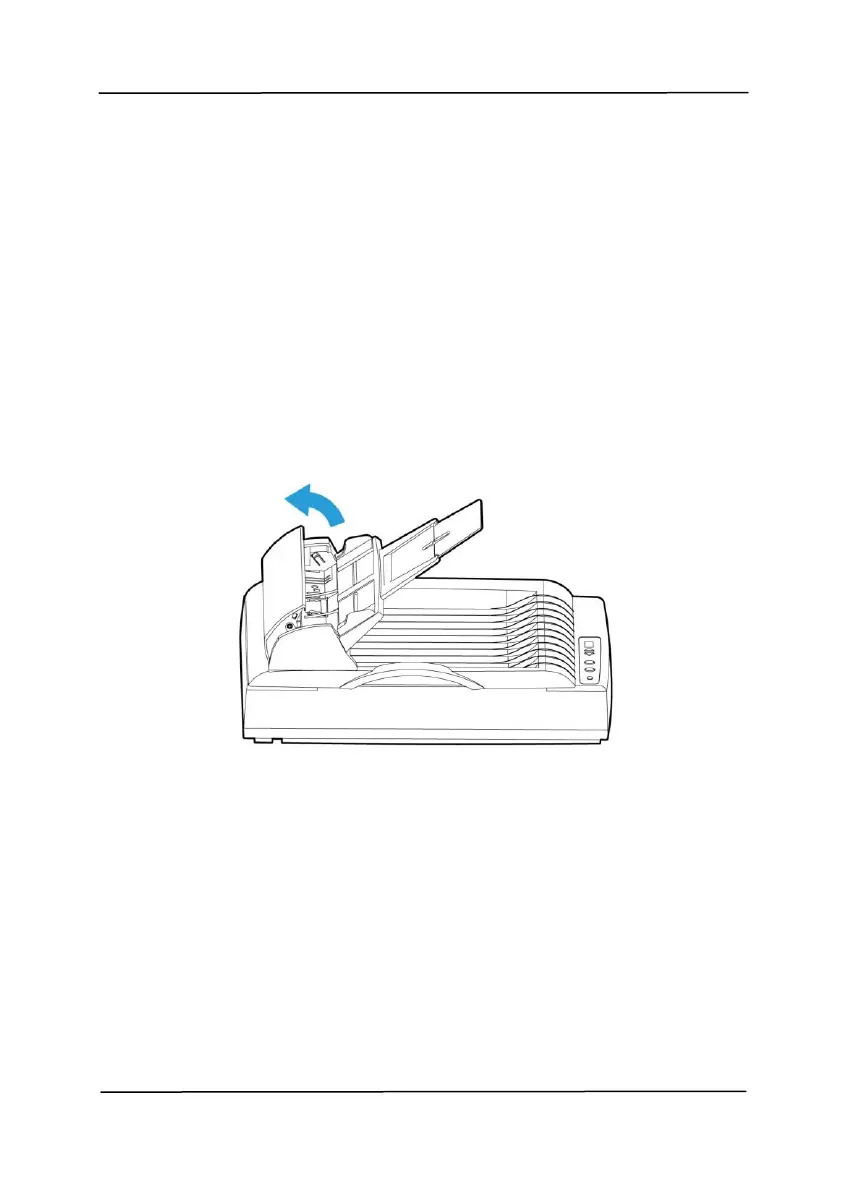
1. Open the ADF front cover to the left.
Figure 8-7



 To Next Page