User’s Manual
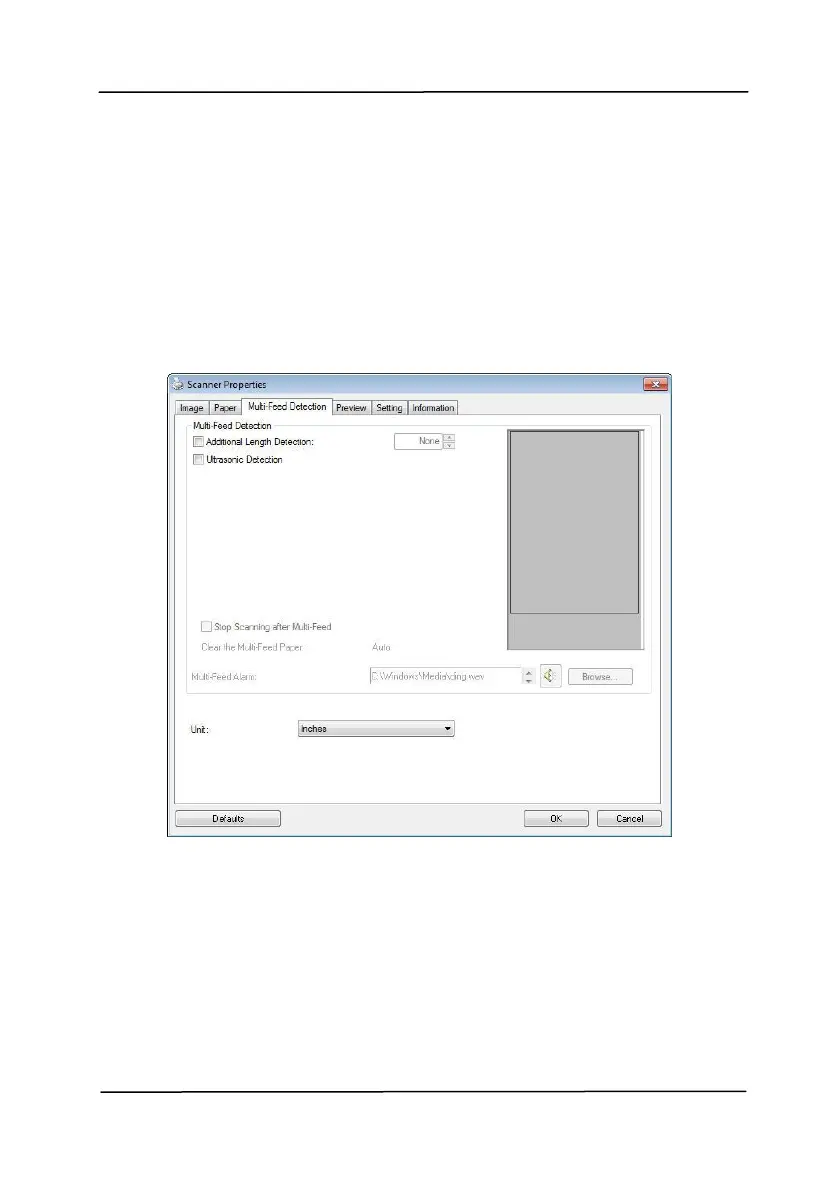
4.7 The Multi-Feed Detection Tab
Multi-Feed Detection
Multi-Feed Detection allows you to detect overlapped
document that go through the auto document feeder. Multi-
Feed usually occurs due to stapled documents, adhesives on
documents, or electro-statically charged document. Note:
The availability of the function varies based on type of scanner.



 To Next Page