User’s Manual
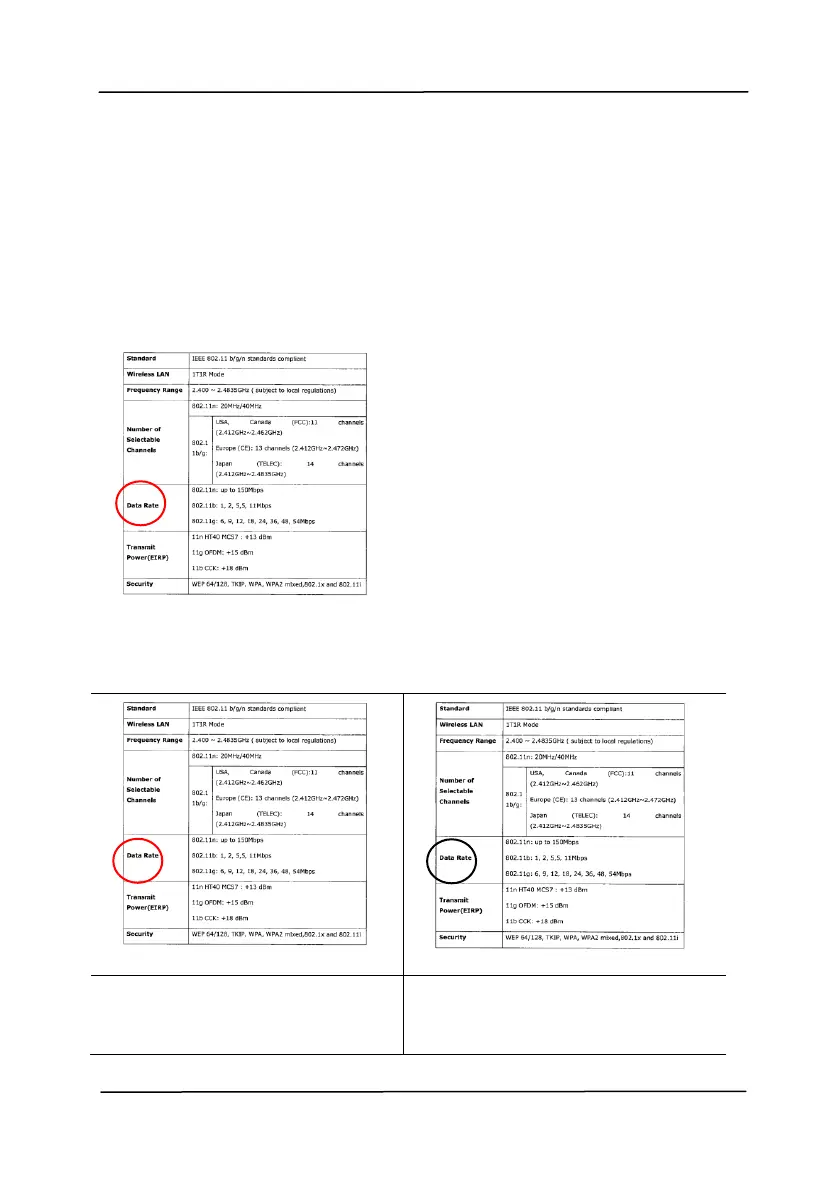
Sensitivity of Auto Color Detection
If your documents contain primarily B&W text and small
amount of light or pale colors and you do not wish them to be
recognized as color image to save the file size, you can
increase the sensitivity value by moving the bar to the right to
let these images to be detected as B&W. The value ranges
from 1 to 100. The default is 37.
Original
Sensitivity: 1
(The image is recognized
as a color one)
Sensitivity: 100
(The image is recognized
as a black and white one)



 To Next Page