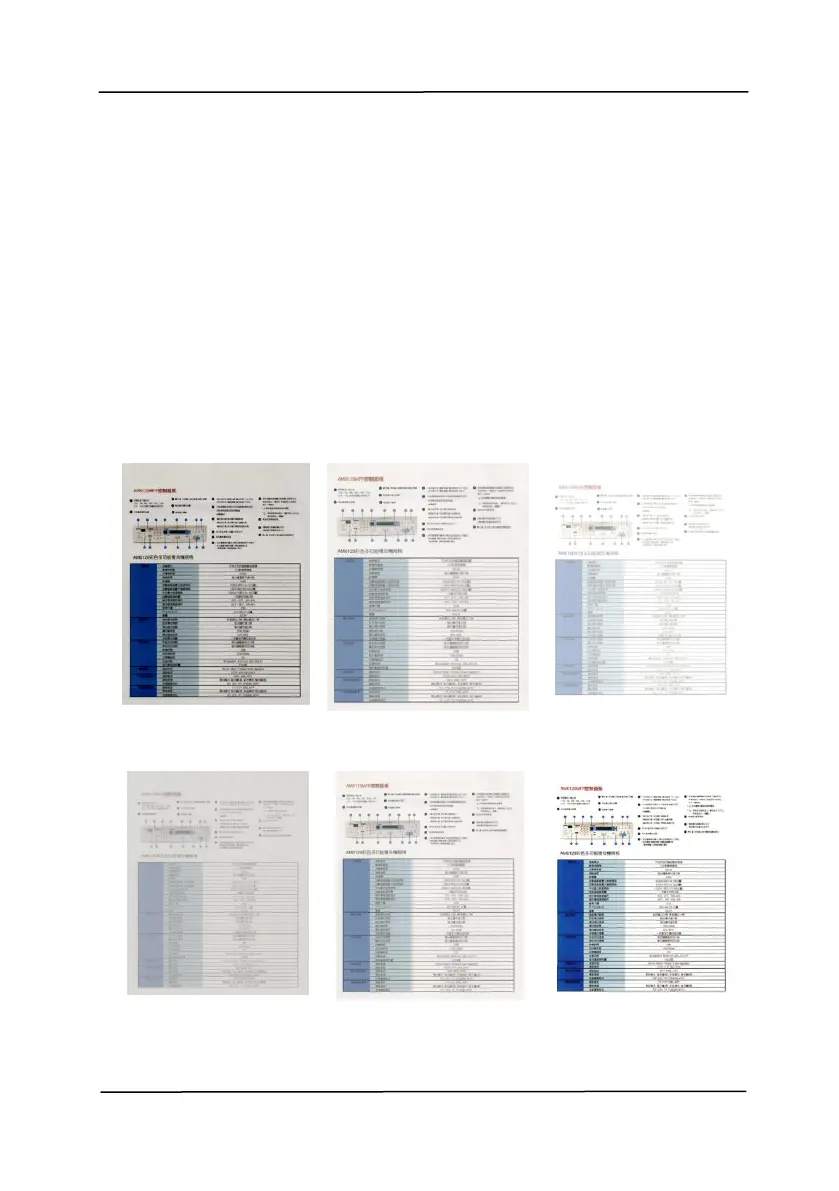
Adjusts the lightness or darkness of an
image. The higher the value, the brighter
the image. Drag the slider to the right or
left to increase or decrease the brightness.
The range is from –100 to +100.
Adjusts the range between the darkest and
the lightest shades in the image. The
higher the contrast, the bigger the different
grayscale. Drag the slider to the right or
left to increase or decrease the contrast.
The range is from –100 to +100.



 To Next Page