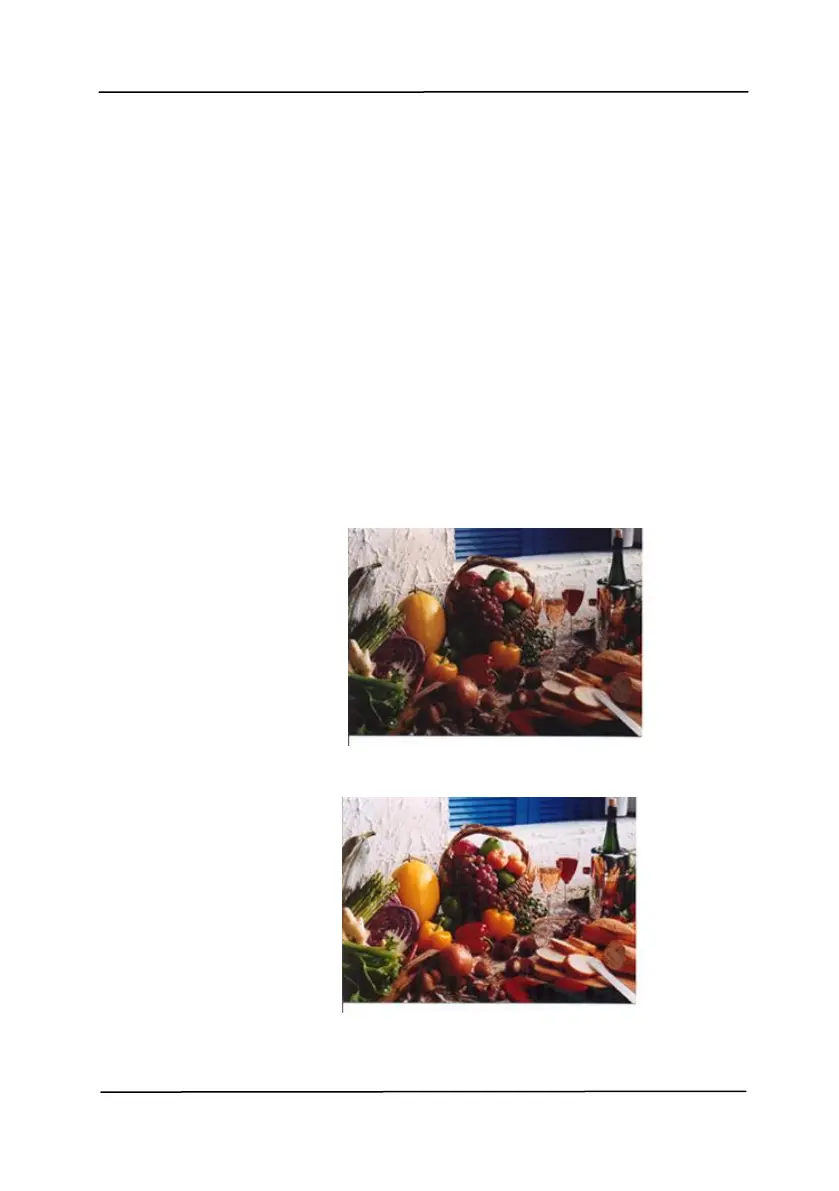
The purpose of Color Matching is getting the
accurate color. This option uses the default
parameters (ICC profile) to adjust the colors
of the image.
Choice: None, Document, Photo
None: Choose “None” to disable this
option.
Document: Choose “Document” if your
original contains pure text or a mixture of
text and graphic since it is an optimal
setting for regular business document.
Photo: Choose “Photo” if your original
contains photo to reproduce your photo
in vivid color image.
Normal
After Color Matching



 To Next Page