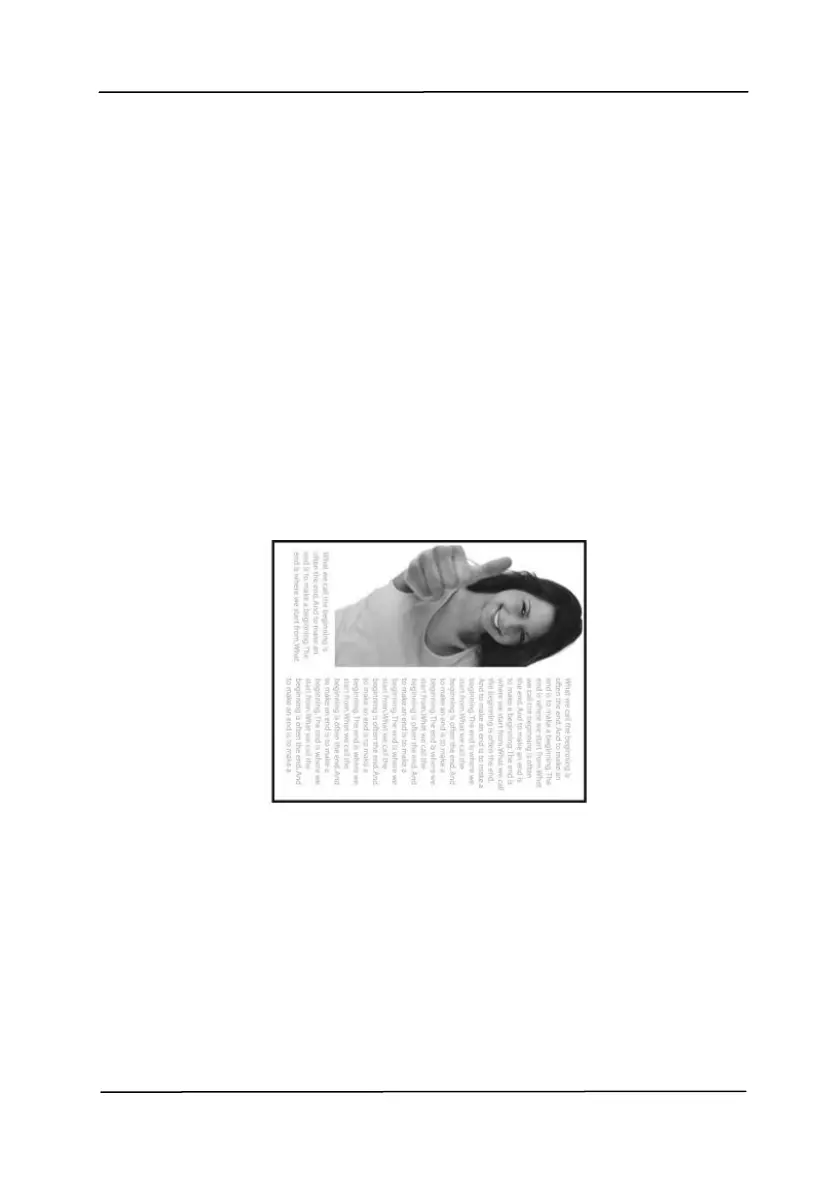
Select “fanfold” to rotate the image of the
reverse side to 180 degrees.
This is applied to double-sided document
which are viewed in portrait are sometime
fed into the scanner in landscape or vice
versa.
Choice: Book, Fanfold.
If “Book” is selected, the image of the
reverse side will not be rotated.



 To Next Page