AXIS M3114-VE Network Camera
Accessing the product
Set Power Line Frequency
Power line frequency is set the first time the Axis product is access ed a nd c an only be changed from Plain Config or by resetting the
product to factory default.
Select the power line frequency (50 Hz or 60 Hz ) used at the location of the Axis product. Selecting the wrong frequency may cause
image flickeriftheproductisusedinfluorescent light environments.
When using 50 Hz, the maximum frame rate is limited to 25 fps.
Note
Power line frequency is different in different geographic regions. In the Americas, 60 Hz is usually used; most other parts of
the world use 50 Hz. Local variations may apply, always check with the local authorities.
The Live View page
If the Axis product has been customized to meet specific requirements, not all the items de s cribe d below will appear in the Live V iew
page. The following provides an overview of each av
ailable button.
Controls on the Live View page
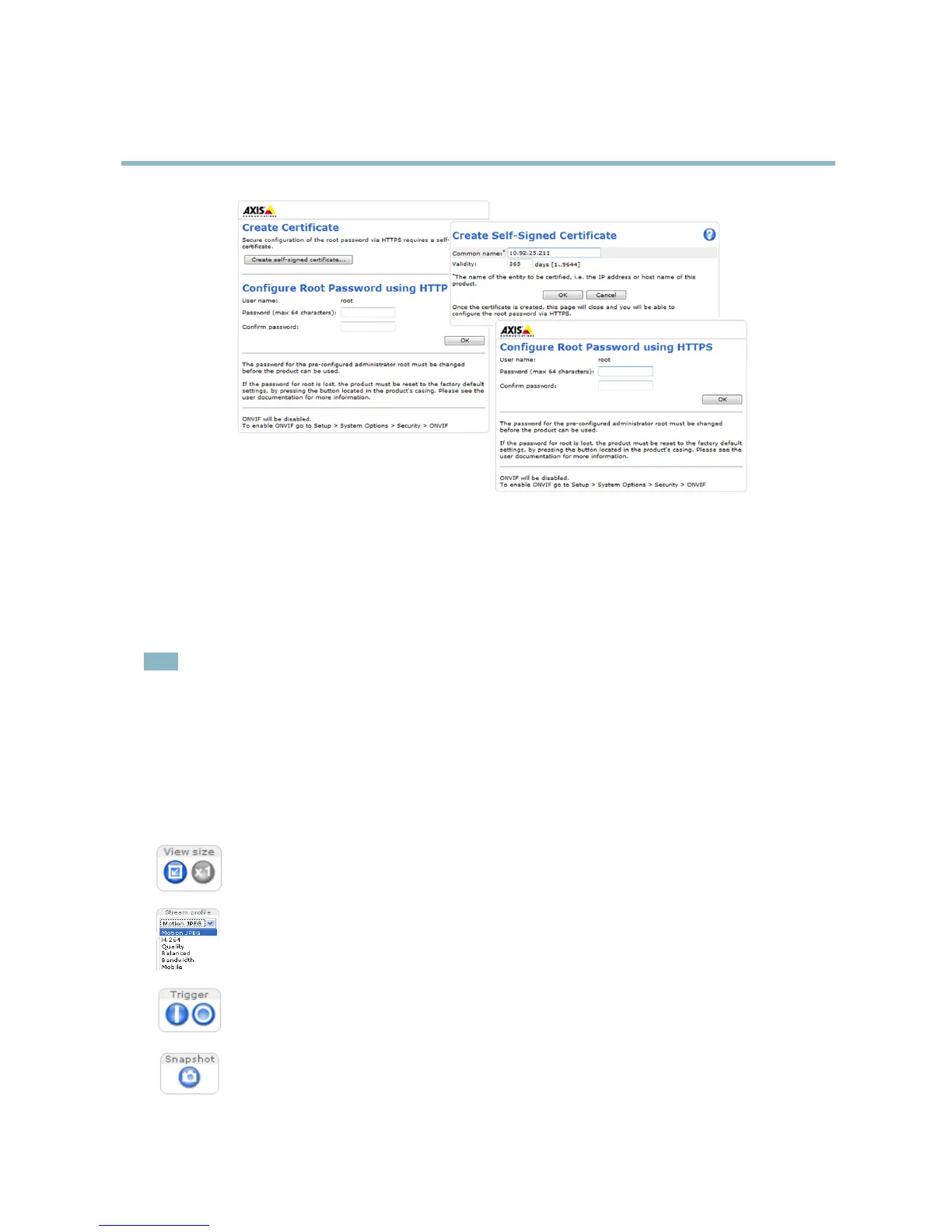
Click View size to scale the image down to 800 pixels wide or to full scale. Only available in MJPEG.
The Stream Profile drop-d own list allows you to select a customized or pre-programmed stream profile. S tream
profiles are configured under Video > Stream Profiles.SeeStream Profiles, on page 15.
The Manual Trigger button can trigger an event directly from the Live View page. The button is configured under
Live View Config > Action Buttons.
Click Snapshot to save a snapshot of the video image. Right-click the video image to save it in JPEG format on your
computer. This button is primarily intende d for use when the AXIS Media Co ntrol v ie wer toolbar is not available.
Enable this button from Live View Config > Action Buttons.
8



 To Next Page