AXIS P1346 Network Camera
Hardware overview
Note
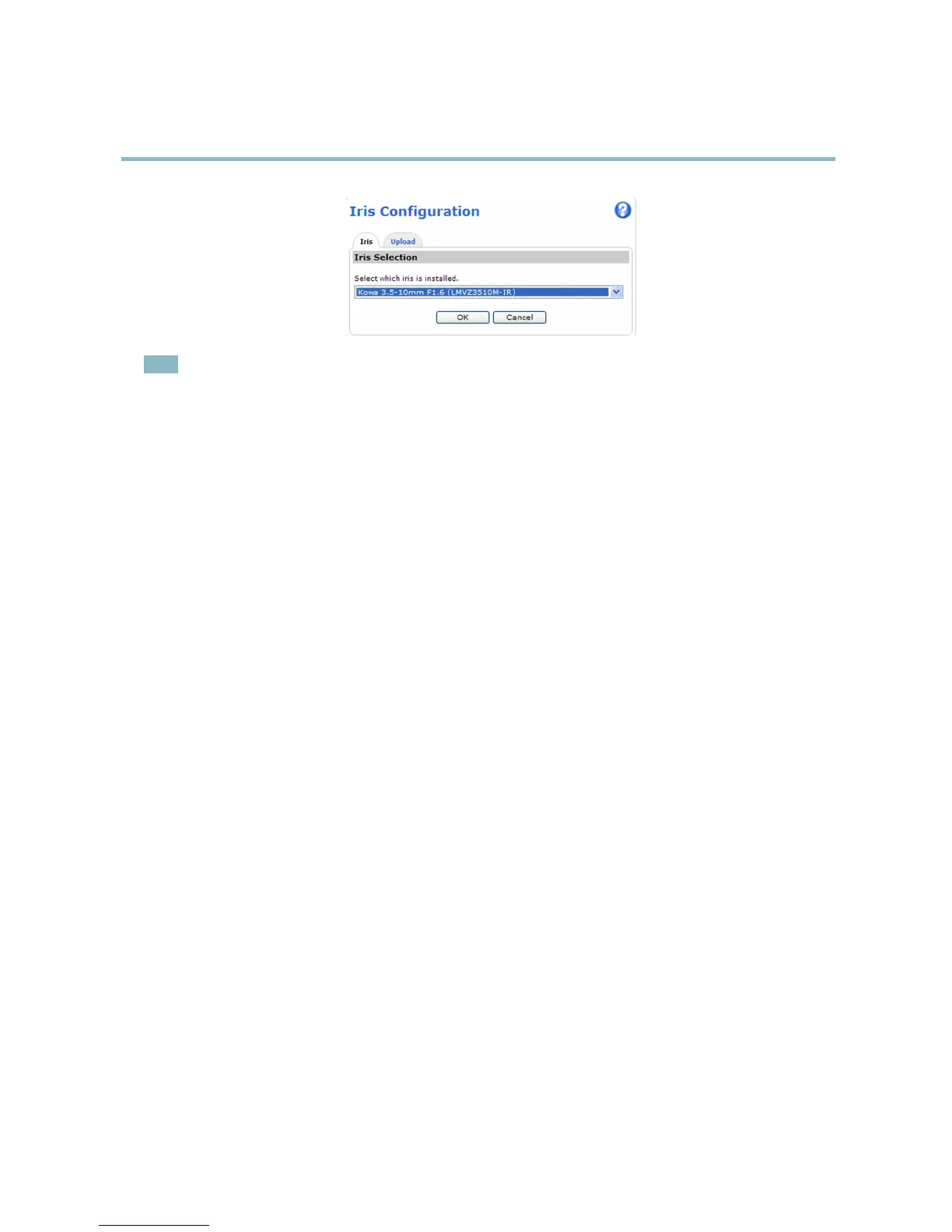
For iris lenses not listed in the drop-down list, d ownload the iris configuration file from www.axis.com
To upload and use the downloaded configuration file, click the Upload tab. Click Browse and select the configuration
file. Click Upload. The installed iris lens should now be included in the Iris Selection drop-down list, select it and press
OK. If you select a DC iris configuration file for a P-iris lens, an error message will appear below the iris configuration
type in the Camera Settings page.
9



 To Next Page