AXIS P1347 Network Camera
Video and Audio
Video and Audio
The video and audio settings can be used to optimize vide o a nd a udio quality. You can configure the following:
• Video stream settings. See page 19.
•Streamprofiles. See page 20.
• Camera settings. See page 21.
•Viewareas.Seepage 23.
• Overlay image. See page 23.
•Privacymask.Seepage 23.
•Focus.Seepage 24.
• Audio settings. See page 24.
• Audio clips. See page 25.
Video Stream
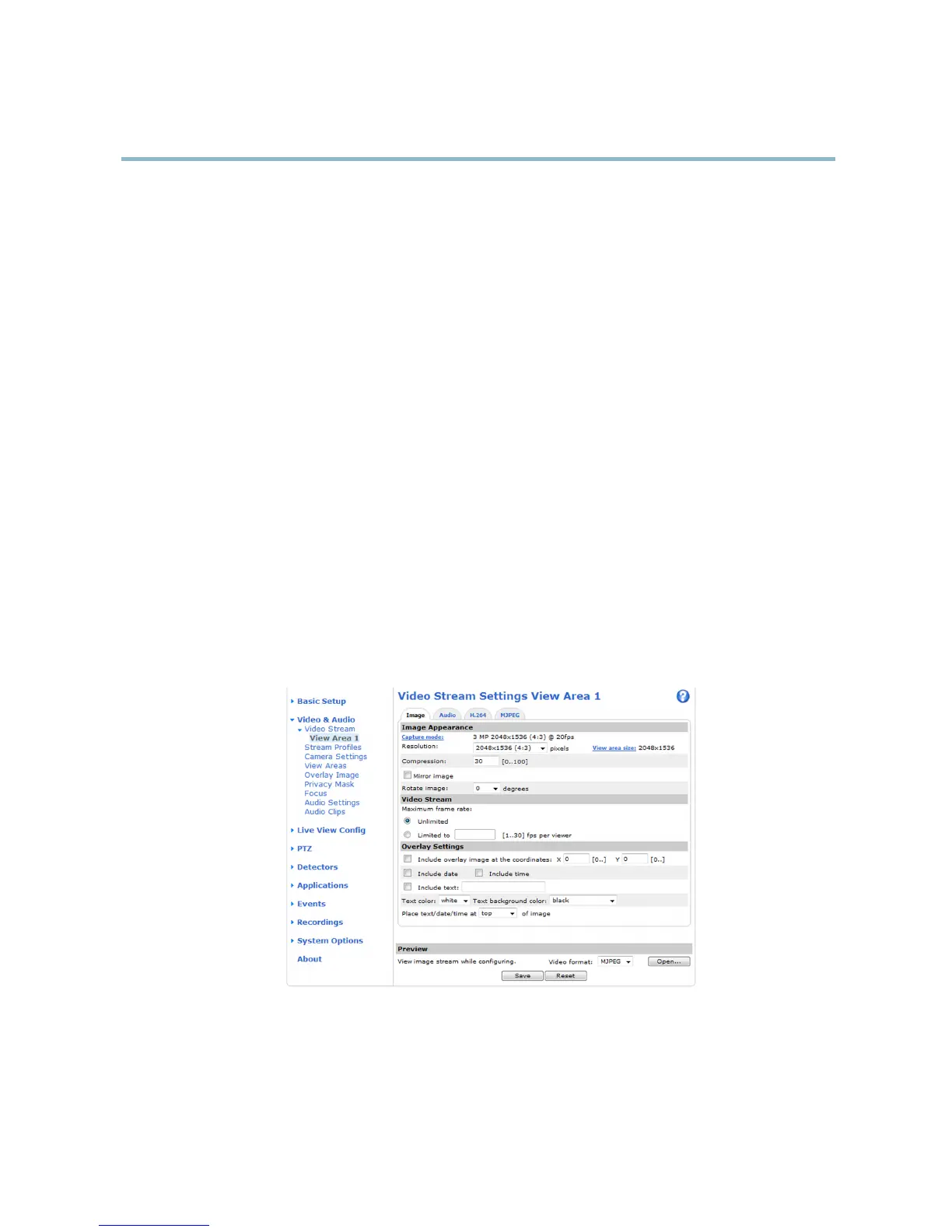
You can de fine the following video stream settings from Video & Audio > Video Stream:
•Image.Seepage 20.
• H.264. See page 20.
•MJPEG.Seepage 20.
Pixel Counter
The pixel counter shows the number of pixels in an area of the image. The pixel counter is useful in situations where there is a
requirement that the ima g e is a certain size, for example in fa ce recognition.
The pixel counter can be accessed from:
19



 To Next Page