Camera
settings
Sub-
setting
Description
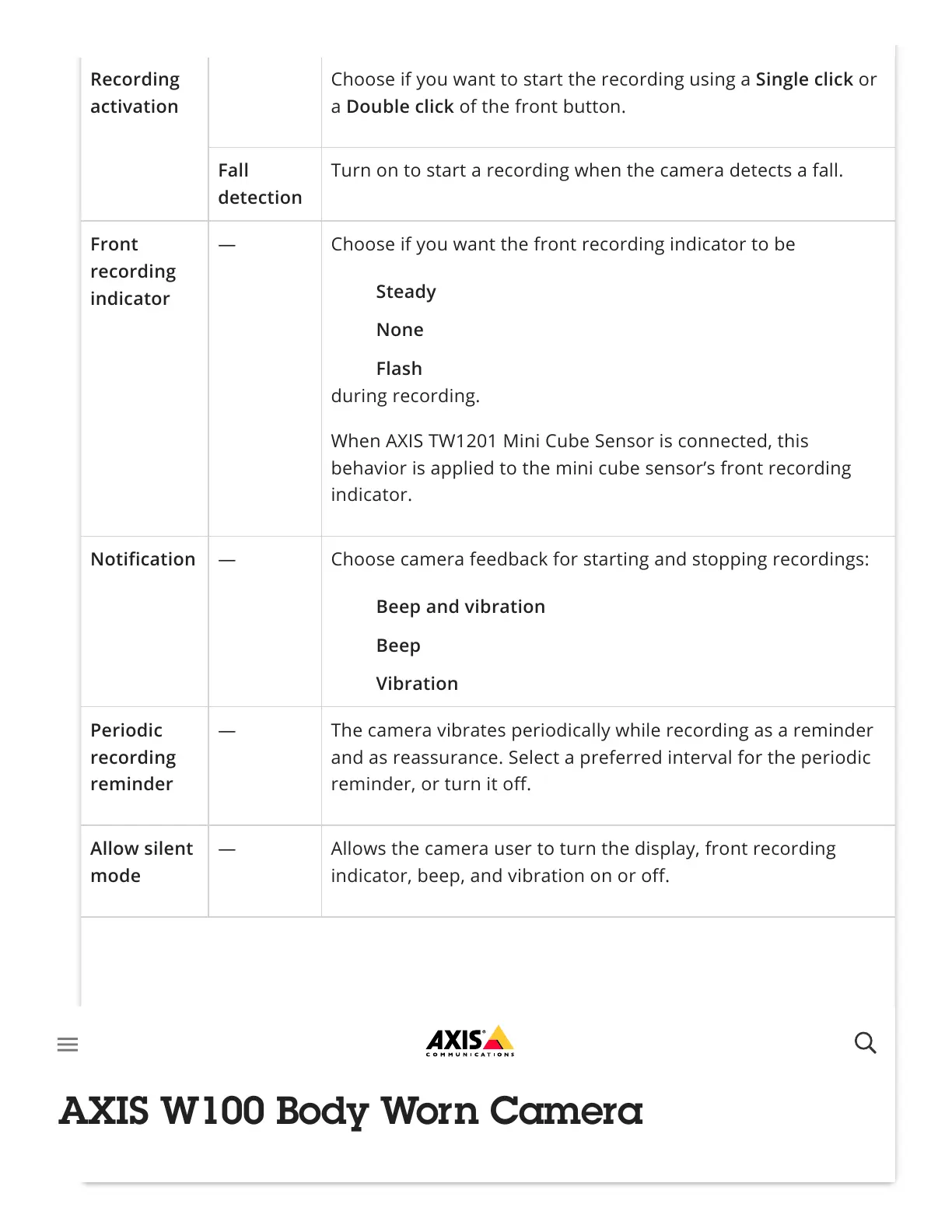
Recording
activation
Choose if you want to start the recording using a Single click or
a Double click of the front button.
Fall
detection
Turn on to start a recording when the camera detects a fall.
Front
recording
indicator
— Choose if you want the front recording indicator to be
during recording.
When AXIS TW1201 Mini Cube Sensor is connected, this
behavior is applied to the mini cube sensor’s front recording
indicator.
Notification — Choose camera feedback for starting and stopping recordings:
Periodic
recording
reminder
— The camera vibrates periodically while recording as a reminder
and as reassurance. Select a preferred interval for the periodic
reminder, or turn it off.
Allow silent
mode
— Allows the camera user to turn the display, front recording
indicator, beep, and vibration on or off.
Allow audio
recording
off
— Allows the camera user to turn off the microphone while
recording.
Steady
None
Flash
Beep and vibration
Beep
Vibration



 To Next Page