Number Name Description
1 Recording button Use the recording button to start and stop
recording.
2 Front recording
indicator
Lights up red when recording
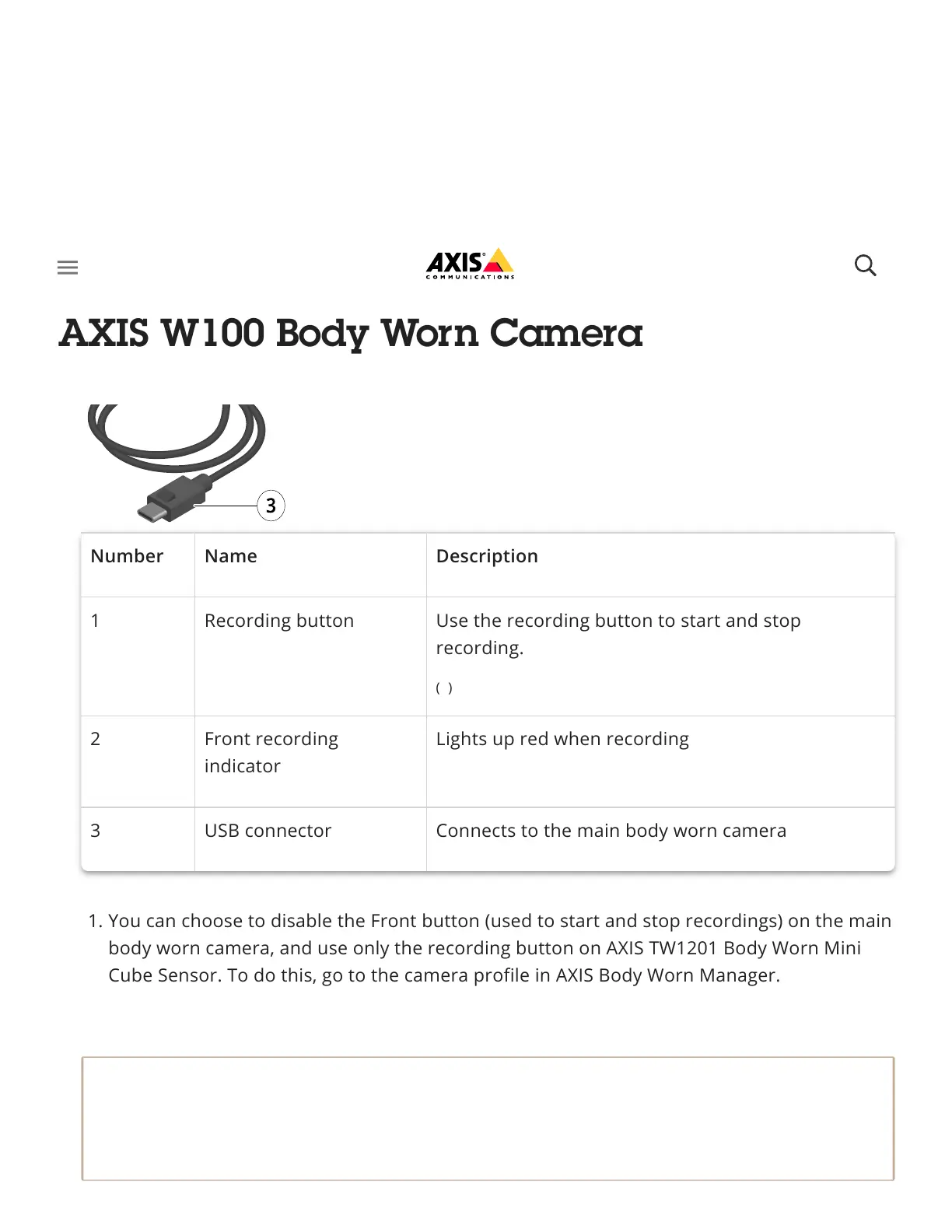
3 USB connector Connects to the main body worn camera
1. You can choose to disable the Front button (used to start and stop recordings) on the main
body worn camera, and use only the recording button on AXIS TW1201 Body Worn Mini
Cube Sensor. To do this, go to the camera profile in AXIS Body Worn Manager.
Note
AXIS TW1201 Body Worn Mini Cube Sensor has no built in microphone. If audio recording
is critical, make sure the microphone on the main body worn camera is free of any
obstructions.
(1)



 To Next Page