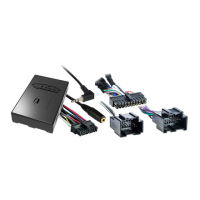
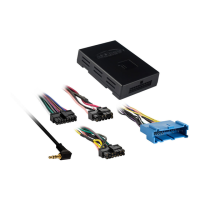
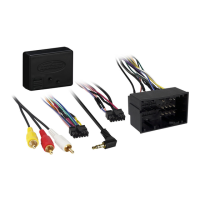
2) Turning the radio “OFF” is recommended.
3) Within the first 20 seconds of turning the ignition on, press and hold the “Volume
Up” button for at least 20 seconds.
4) The LED will light up solid green. Release “Volume Up“ and the LED will go
out. Volume Up has now been programmed.
5) Follow the list below, in order, press and hold the steering wheel control button you
want for the function below until the LED lights up then proceed to the next button you
wish to program. If you want to skip a command press the “Volume Up” on the
steering wheel, this will tell the ASWC-1 to skip the command and proceed to the next
one.
Note: Remember not all radios will have all these commands. Please refer to
the radio’s owner’s manual for specific commands recognized by the radio.
6) After the last button is programmed on your steering wheel (you do not have to
go through the whole list), press and hold down the “Volume Up” button for at least
10 seconds until the LED goes out.
Or
After the 18
th
button is programmed or skipped the LED will go out and the remapping
is completed.
Resetting Original SWC Setting


 To Next Page
 Loading...