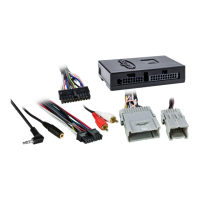
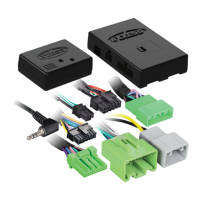
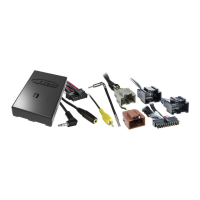
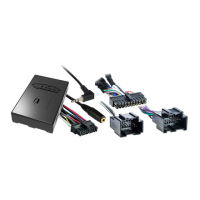
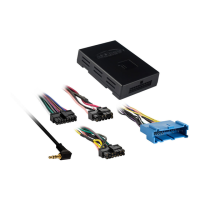
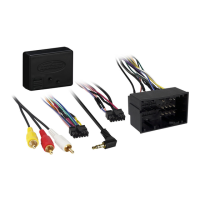
used on the ASWC-1. Double check connections and the vehicle information sheet
to verify that you have the correct wires connected.
The 2
nd
set of red LED flashes represents what brand radio the ASWC-1 has
auto-detected. Each flash is for a different radio manufacturer.
1
st
LED flash Eclipse
2
nd
LED flash Kenwood
3
rd
LED flash Clarion
4
th
LED flash Sony and Dual
5
th
LED flash JVC
6
th
LED flash Pioneer and Jensen
7
th
LED flash Alpine*
8
th
LED flash Visteon
9
th
LED flash Valor
10
th
LED flash Clarion 5v
11
th
LED flash Metra OE
12
th
LED flash Eclipse type 2
13
th
LED flash LG
14
th
LED flash PARROT
15
th
LED flash XITE
16
th
LED flash Phillips
17
th
LED flash TBD
18
th
LED flash JBL
Note: If the ASWC-1 flashes 7 times and you do not have an Alpine radio connected
to it that means that the ASWC-1 did not see any radio connected. Verify the 3.5mm
connector is connected to the SWC input on the radio.
Remapping the SWC (steering wheel control) Buttons
Once you have the ASWC-1 programmed you can then change the steering wheel
control button assignment(s), for example, programming the “Seek up” button as a
“Preset up” function. Follow the steps below to remap the SWC buttons.
1) Have the ASWC-1 visible so you can see the LED flashes to confirm
button recognition.


 To Next Page
 Loading...