Design and Construction
© b2 electronic GmbHDHV0086 Rev0622
4�2�3 Information and Warning Messages
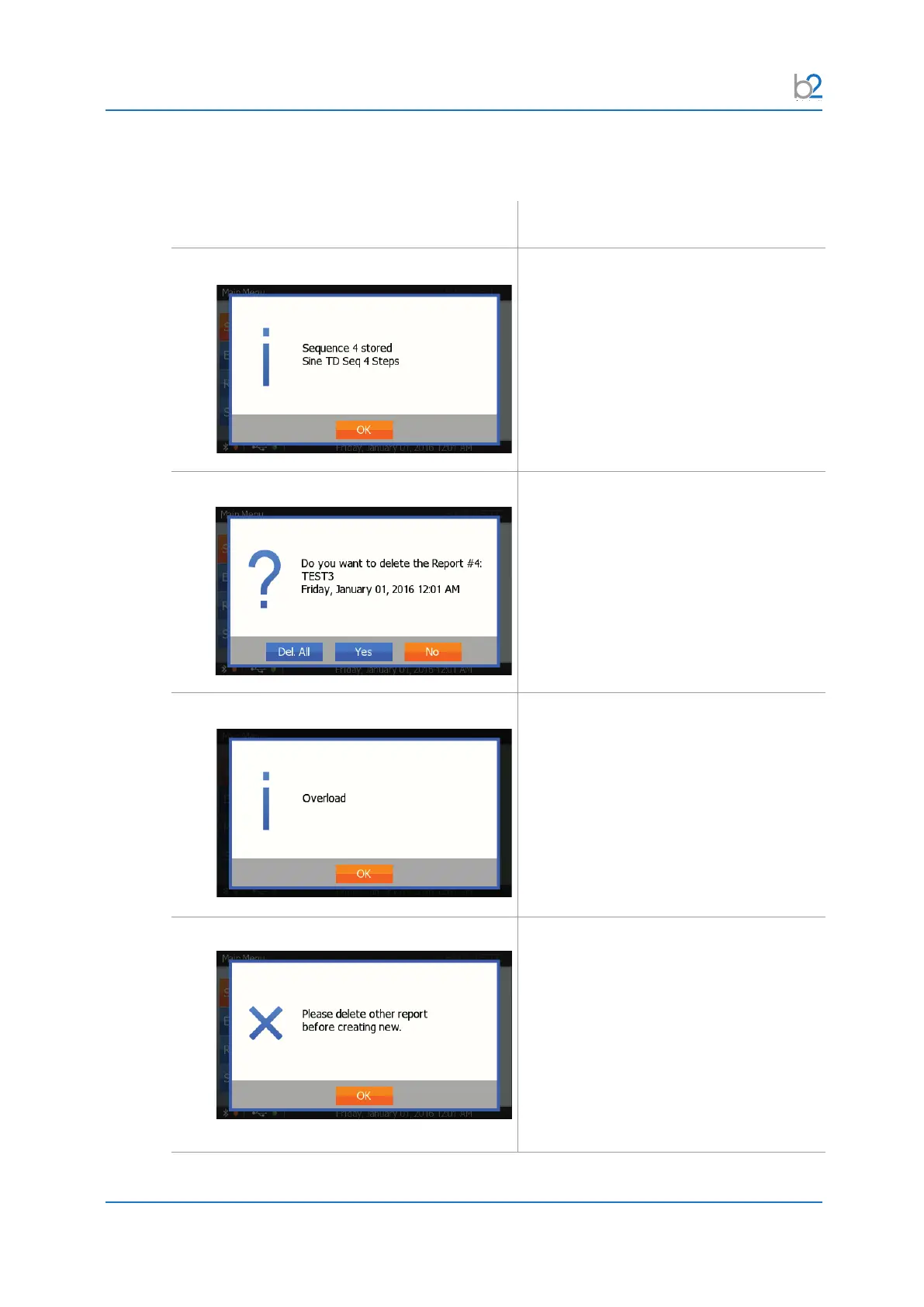
Situation Procedure
Information
This screen gives an information.
Press“OK”toconrm.
Question
This screen indicates a user interaction/
question.
Consider the information on the screen
and make your choice by selecting “Yes”
or “No”.
Warning
This screen shows a warning.
Press“OK”toconrm.
Error
This screen indicates an error.
The operation in progress could not be
nishedsuccessfully.
Please consider the information and decide
if further action is necessary.
Press“OK”toconrm.



 To Next Page