Design and Construction
© b2 electronic GmbH DHV0086 Rev06 31
Step Procedure
(Sequences and reports)
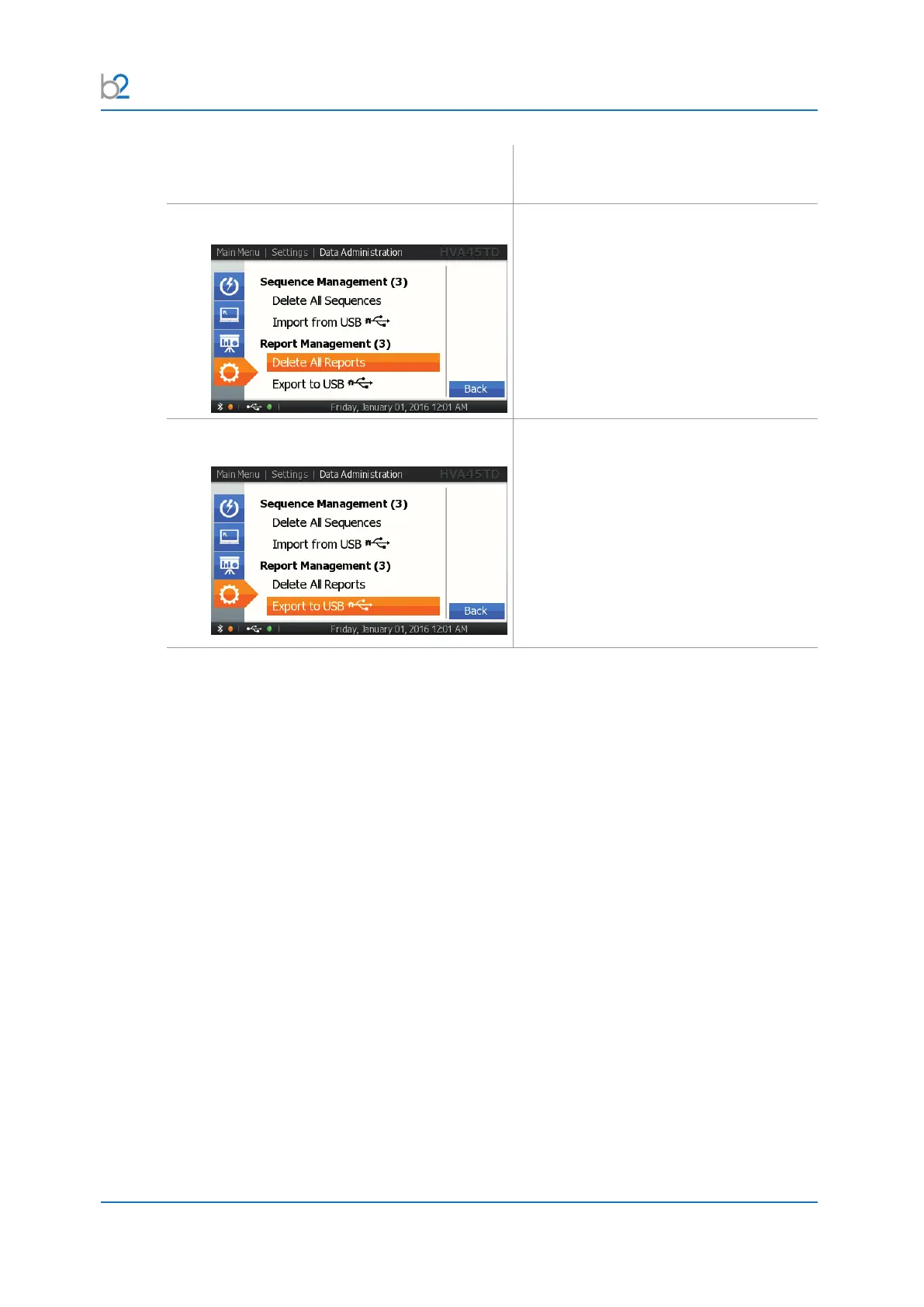
SRM5: Delete All Reports
To delete all reports, select “Delete all
Reports”.
SRM6: Export Reports
To export the stored reports on the unit,
insertaUSBashdriveandselectthis
function.
All reports will be automatically written in
multipleleformats(HTML/XML/PC
software database).
The reports will remain on the unit and may
be deleted manually.



 To Next Page