Test Procedure
© b2 electronic GmbH DHV0086 Rev06 69
5�3�4�1 Running an automatic test - Detailed Steps
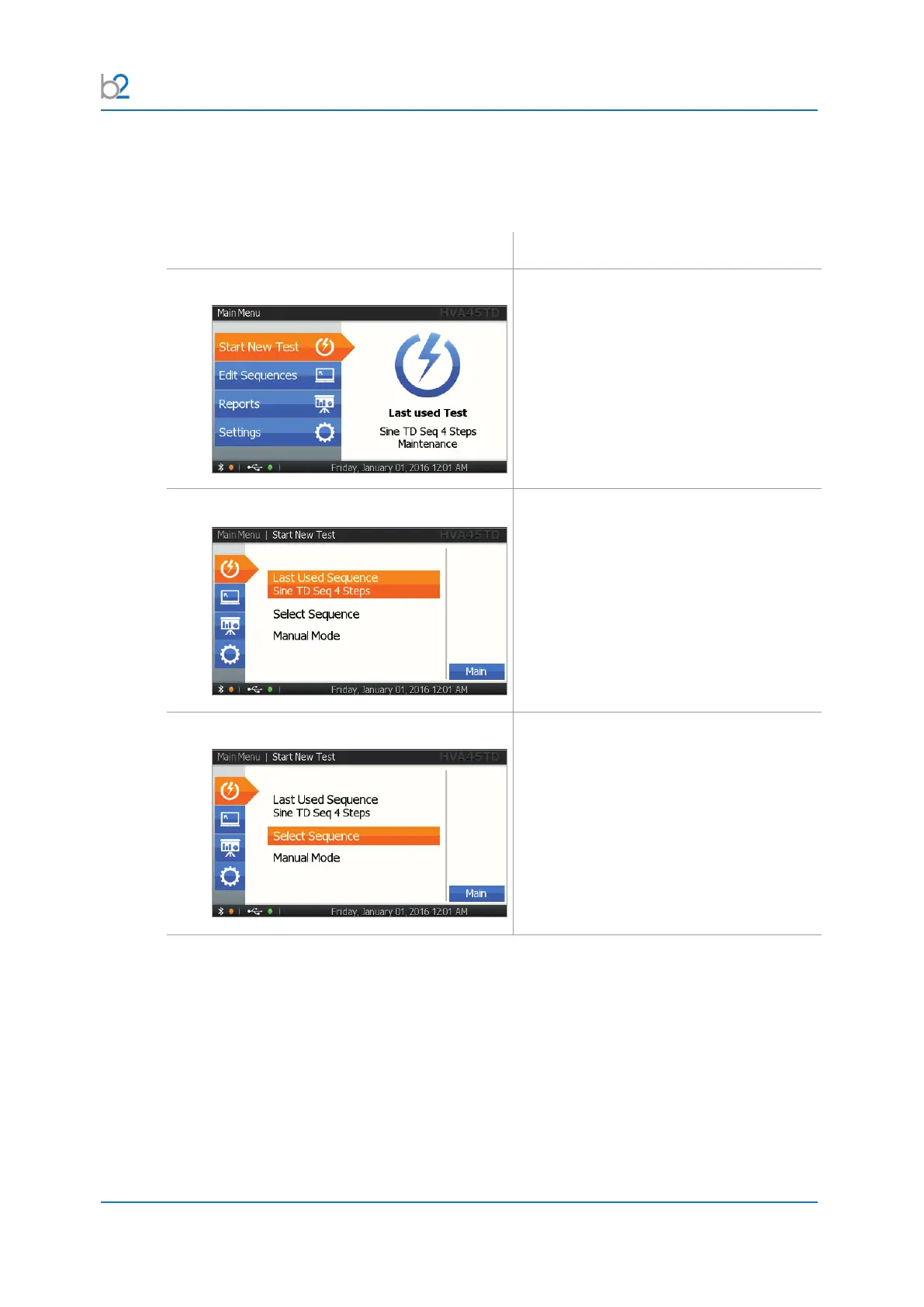
Steps AR1-AR10 describe how to run a test in the Automatic Mode.
Step Procedure (Running automatic mode)
AR1: Use Last used Test or Start New Test
Select “Start Test”.
AR2: Choose Test
To repeat the previous test sequence:
• Select “Last Used Sequence” from the
“Main Menu”
• Skip step AR3-AR5: Select Sequence
AR3: Slect Sequence
Select one of the sequences.



 To Next Page