Test Procedure
© b2 electronic GmbHDHV0086 Rev0670
Step Procedure (Running automatic mode)
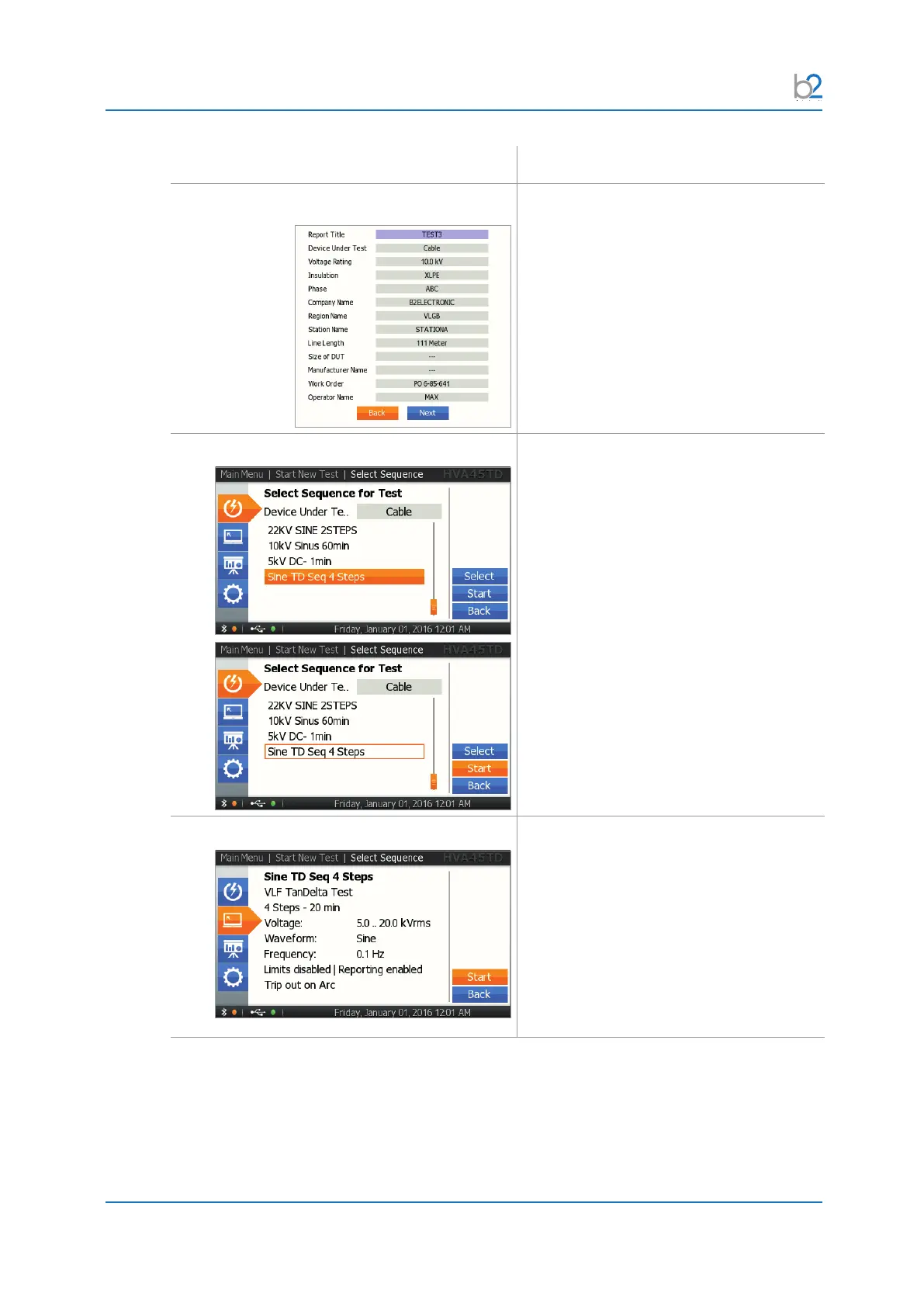
AR4: Reporting Settings
For more details, see 5.2.1 Setting Report
Details on page 41
AR5: Select Sequence
All information about the selected sequence
is displayed. Press the “Start” button to see
a summary of the sequence.
AR6: Sequence Summary
The summary of the selected sequence
is displayed. To start the test, press the
“Start” button.



 To Next Page