Test Procedure
© b2 electronic GmbHDHV0086 Rev0672
Step Procedure (Running automatic mode)
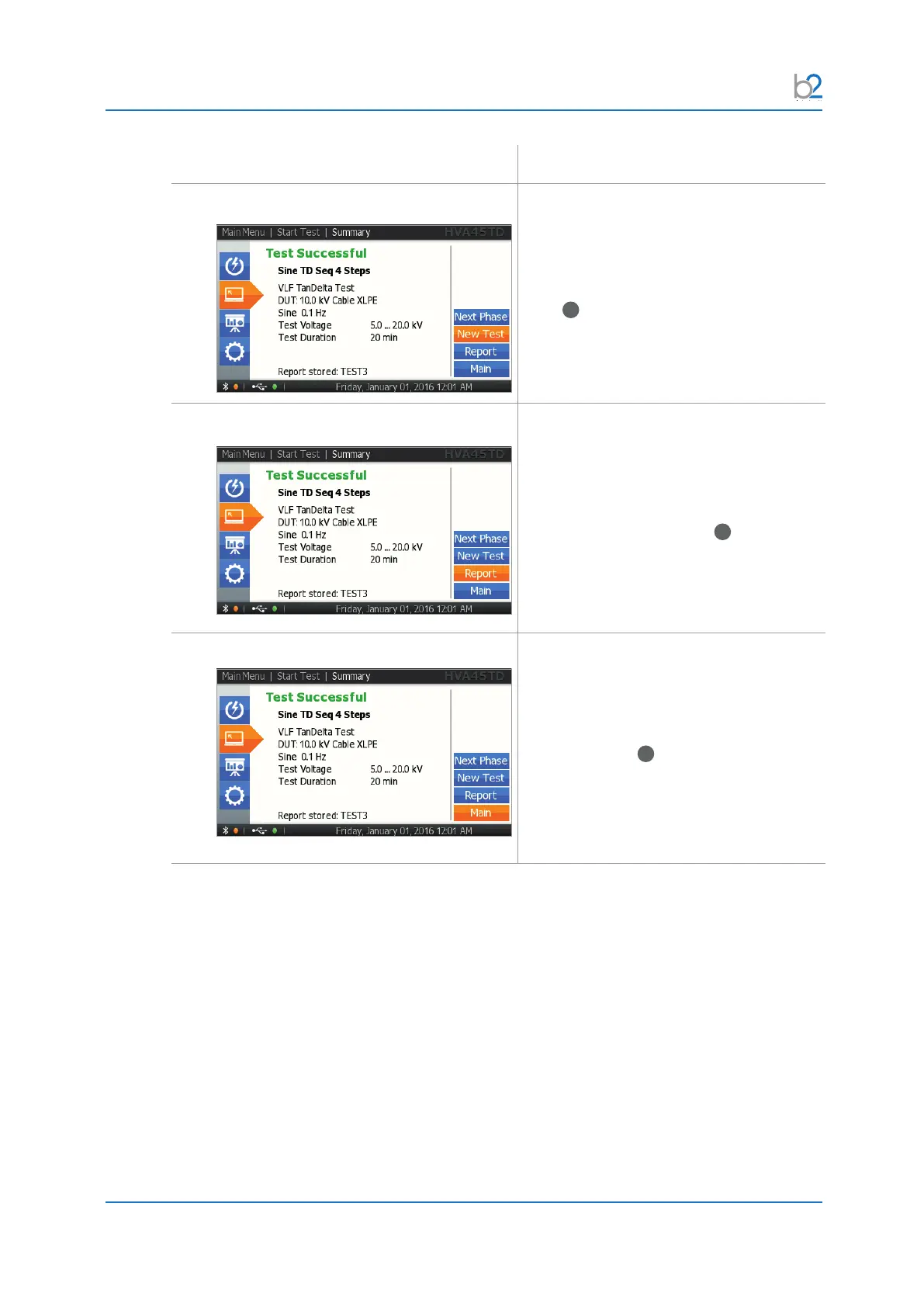
AR10�2: Test End – New Test
Display indicates end of automatic test.
For starting a new test, select “Next Test”
button and push in/click the navigation
knob
41
.
AR10�3: Test End Report
Display indicates end of automatic test.
If you wish to view the corresponding
report, select the “Report” button and push
in/click the navigation knob
41
.
AR10�4: Test End Main
Display indicates end of automatic test.
For going back to the main menu, select
the “Main” button and push in/click the
navigation knob
41
.



 To Next Page