10
4
4.1 On/Off Switch
Turn on the device. Press and hold for 2 seconds
to power on the display. Press and hold
again for
2 seconds to power off the display. If the bike is not
used, after 5 minutes (time can be set) the display will
be automatically turned off.
4.2 Assist Mode Selection
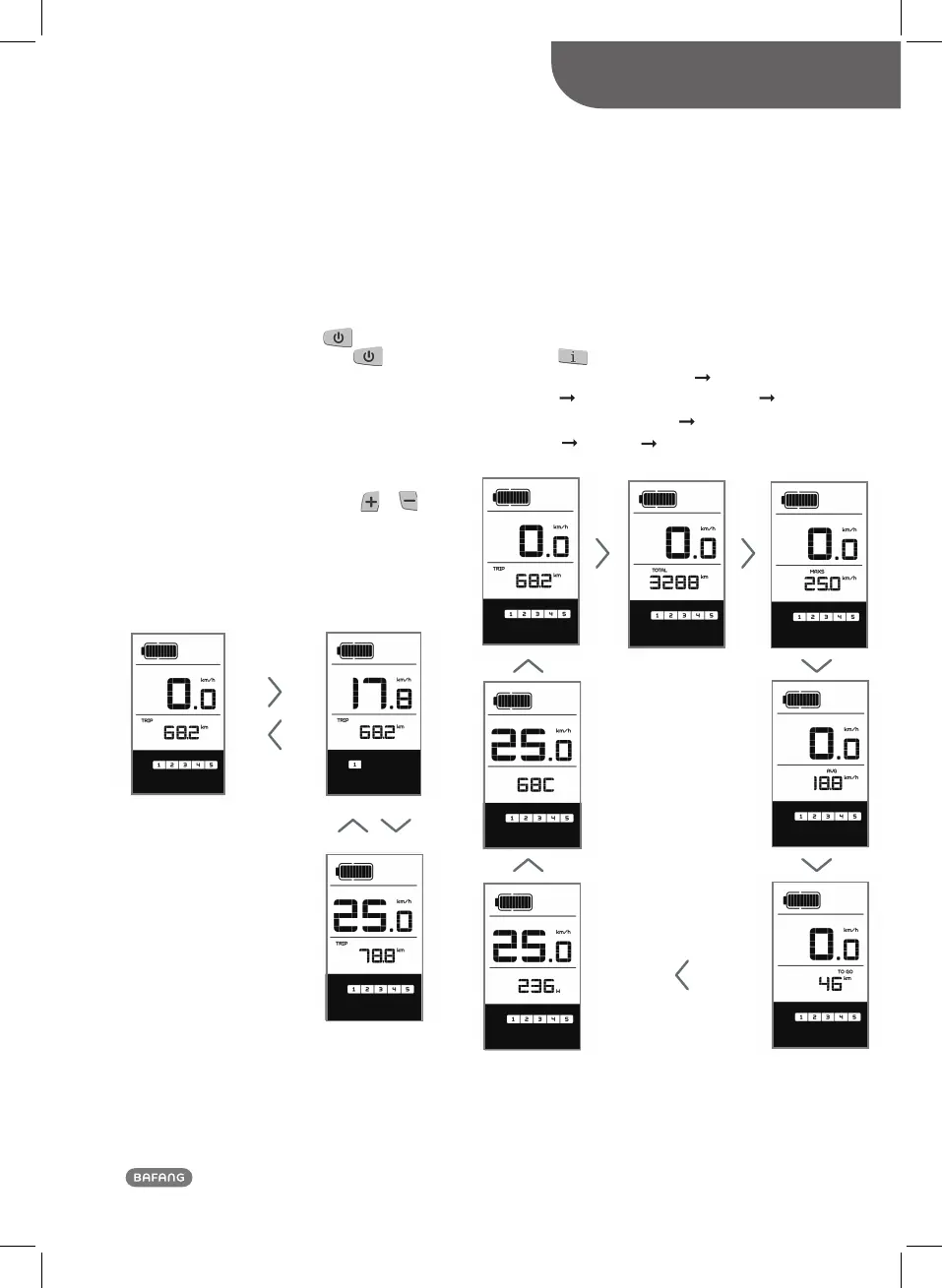
In the manual gearshift mode, press the or
to choose the desired level of support by the motor.
The lowest level is Level 1, the highest Level 5. When
the display is on, the default mode is Level 1. When
there is no numeric mode display, there is no power
assistance.
Selecting the level for motor assistance
4.3 Switch between Distance Mode
and Speed Mode
Briefly press
to switch between distance and
speed. Single-trip distance (TRIP km)
total distance
(TOTAL km)
maximum speed (MAXS km/h)
average riding speed (AVG km/h)
successive order.
Switching between displays
DISPLAY (DP C10.UART)
USER MANUAL DP C10.UART
Remaining range
are displayed in
(TO GO km ) Power(w) Calory (c)
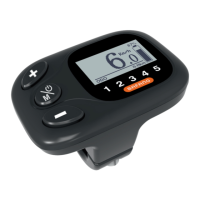
OVERVIEW OF PRODUCT
Normal Operation













 To Next Page