8
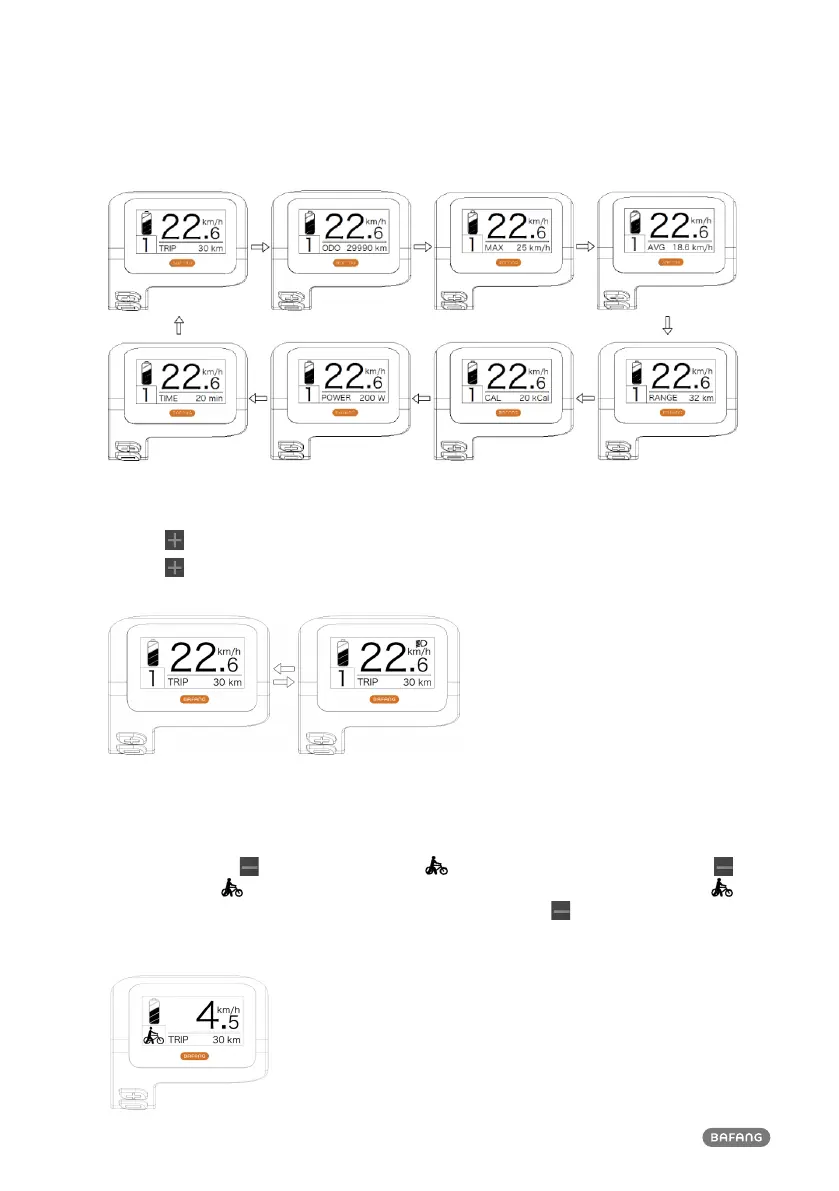
1.6.4 Headlights / backlighting
Hold the button (>2S) to activate the headlight and taillights.
Hold the
button (>2S) again to turn off the headlight. The brightness of the backlight can be set
in the display settings "Brightness".
1.6.5 Walk Assistance
The Walk assistance can only be activated with a standing pedelec.
Activation: Press the
button until this symbol appears. Next press and hold down the
button whilst the symbol is displayed, now the Walk assistance will activate. The symbol
will blink and the pedelec moves approx. 5 km/h. After releasing the button, the motor stops
automatically and switches back to level 0.
The Walk assistance can only be activated with a standing pedelec.



 To Next Page