Manual Documentation Number M3640D1598 11
B&B Electronics -- PO Box 1040 -- Ottawa, IL 61350
PH (815) 433-5100 -- FAX (815) 433-5104
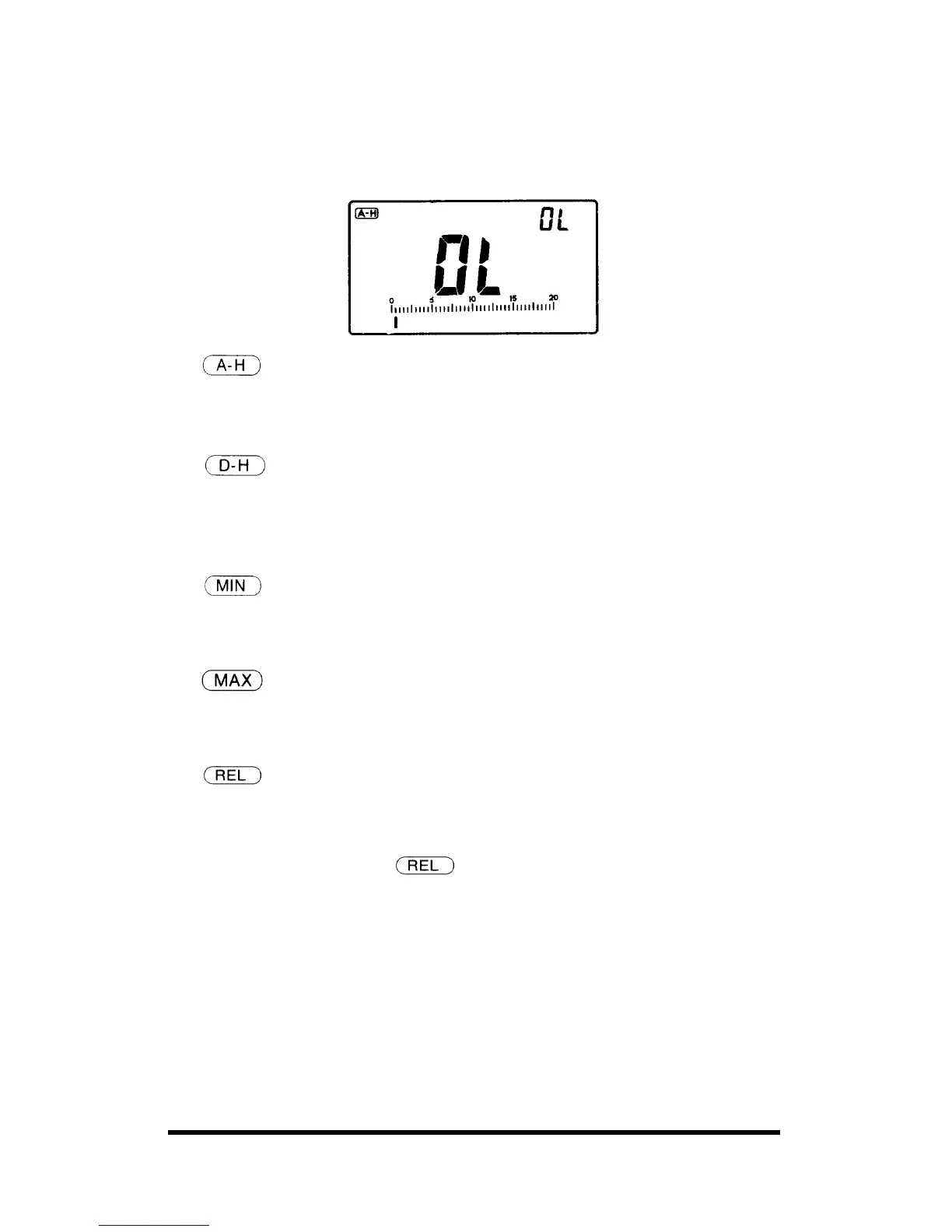
17. OL Overload Indication
OL is displayed with flashing the bar-graph, when input is too excess to
display.
18.
Auto-Hold
The meter will freeze a reading automatically recorded 4 seconds ago,
when last reading is completed.
19.
Data-Hold
In this mode, you can freeze a reading on the sub-display by pressing the
SET/RESET button, and the subsequent reading wilI be displayed on the
main-display.
20.
Minimum
Lets you keep a minimum reading on the sub-display while showing the
present readings on the main-display.
21.
Maximum
Lets you keep a maximum reading on the sub-display while showing the
present readings on the main-display.
22.
Relative
Enables you to compare the reference value with a subsequent reading.
To set the reference value, follow these steps:
1. Set the function mode at
mode.
2. Store the polarity, values of the reference value you desire by pressing
the UP DOWN buttons and SET/RESET button by turns.
3. Press SET/RESET button for final setting.



 To Next Page