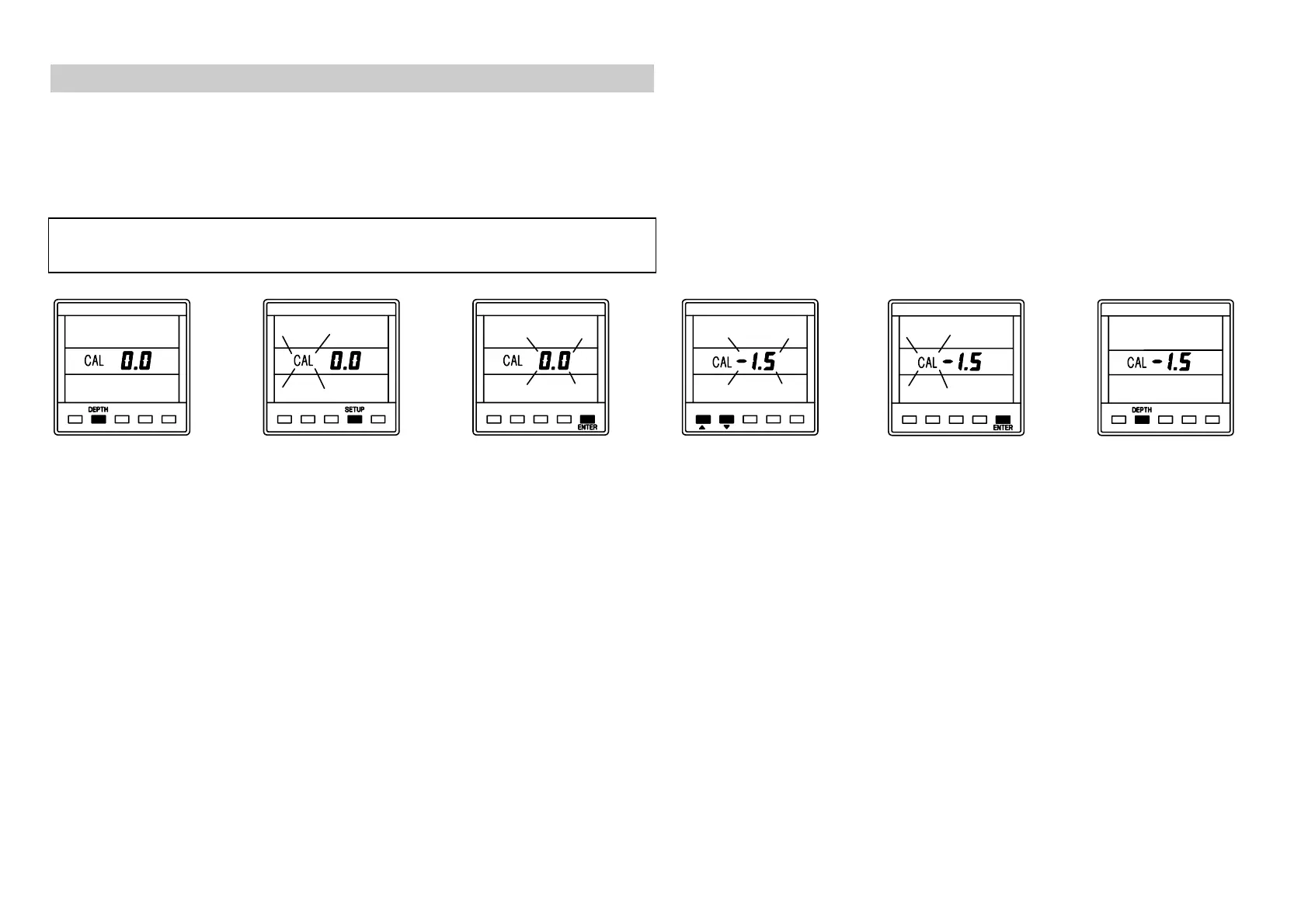
SETTING THE DEPTH DATUM
CAL
zero, depth from transducer.
CAL
positive, depth from waterline.
CAL
negative, depth from keel.
NOTE:
If the CAL LOCK is set then the CAL value cannot be
changed. Consult your B&G dealer for further advice.
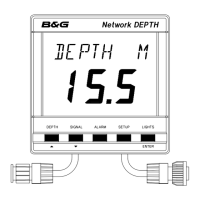
Press
DEPTH
key
to display depth
datum
CAL
.
Press
SETUP
key
to display current
datum value. The
display will flash.
Press
ENTER
to
adjust the datum
value. The value
will flash.
Use
S
or
T
to
adjust the value.
Press
ENTER
to
memorise the new
value.
Press
DEPTH
to
display the depth
datum.
610-HB-0503-05
18


 To Next Page