Store messages in your inbox according to the most recently received in sequence.
You can return to the previous screen by pressing the【BACK】button at any time.
Read the SMS in the inbox
1.Press the【MENU】button to enter into the MENU mode.
2.Press the【】/【】button, Select “SMS ”,press the【MENU】button to make a choice.
3.Press the【】/【】button to Inbox, press the【MENU】button to make a choice.
4.Press the【】/【】button to read SMS, if this SMS was sent from Email program, then it will appear a subject
line.
5.Press the【MENU】button to the current SMS, then press the【MENU】button again to reply/delete/forward this
SMS.
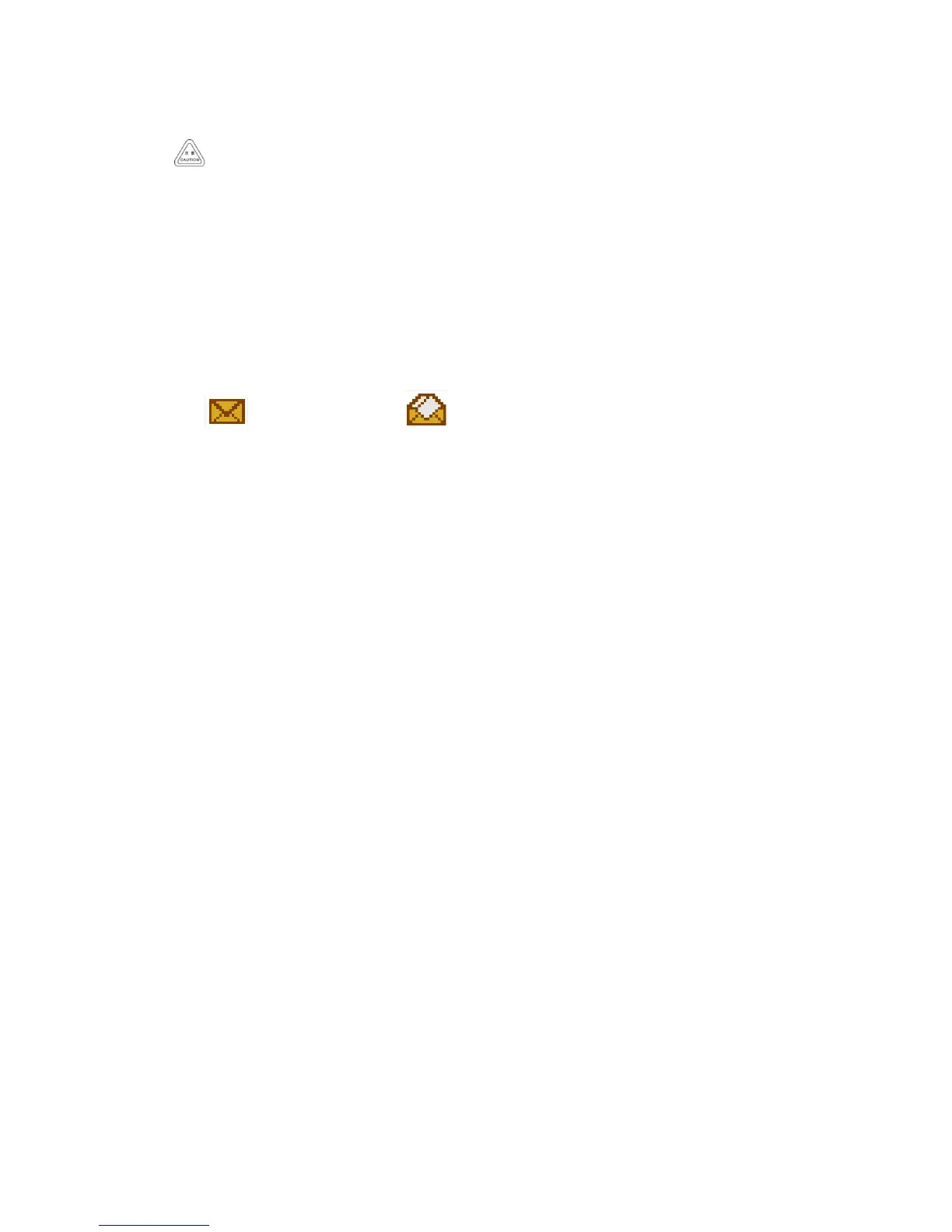
• Indicates unread message. Indicates read message.
Reply the SMS in the inbox
Use the Menu function:
1.Press the【MENU】button to enter into the MENU mode.
2.Press the【】/【】button, Select “SMS ”,press the【MENU】button to make a choice.
3.Press the【】/【】button to Inbox, press the【MENU】button to make a choice.
4.Press the【】/【】button to required SMS, then press the【MENU】button to make a choice.
if this SMS was sent from Email program, then it will appear a subject line.
5.Press the【MENU】button again to enter into the sub-menu.
6.Press the【】/【】button to reply, then press the【MENU】button to make a choice.
7.Press the【】/【】button Write SMS, then press the【MENU】button to make a choice.
When a blinking cursor appears, edit text messages by the keyboard.
Or press the【】/【】button to the prefabricated SMS, then press the【MENU】button to make a choice. After
choose the required SMS, a blinking cursor will appear when press the【MENU】button, and you can edit your SMS
by keyboard if necessary.
8.After finish the edit, press the【MENU】button.
9. The LCD shows the SMS :< User/Call group alias or ID>, confirm that the same SMS is being sent.
10. If the message sent successfully, a beep sound, and the screen shows the message has been sent.
Or if the message has not been sent, the screen shows that the message has failed to be sent.
• If the message fails to be sent, the radio will return to the re-send selection screen.
Delete the SMS in the inbox
Use the Menu function:
1.Press the【MENU】button to enter into the MENU mode.
2.Press the【】/【】button, Select “SMS ”,press the【MENU】button to make a choice.
3.Press the【】/【】button to Inbox, press the【MENU】button to make a choice.
4.Press the【】/【】button to required SMS, then press the【MENU】button to make a choice.
if this SMS was sent from Email program, then it will appear a subject line.



 To Next Page