Check radio version
Check and indicate this radio’ s Model information, serial number, CPS
version, hardware version, firmware version, DSP version, programming
time, etc information.
The menu functions as follows:
1.Press [MENU] to enter menu mode.
2.Press [ ]/ [ ] to set, then press [MENU] to select.
3.Press [ ]/ [ ] to the radio information, then press [MENU] to
select.
4.Press [ ]/ [ ] to the radio version, then press [MENU] to select.
5.The screen shows the current Model information, serial number, CPS
version, hardware version, firmware version, DSP version, programming
time, etc information.
6.Press [BACK] to return to the previous menu.
Radio configuration
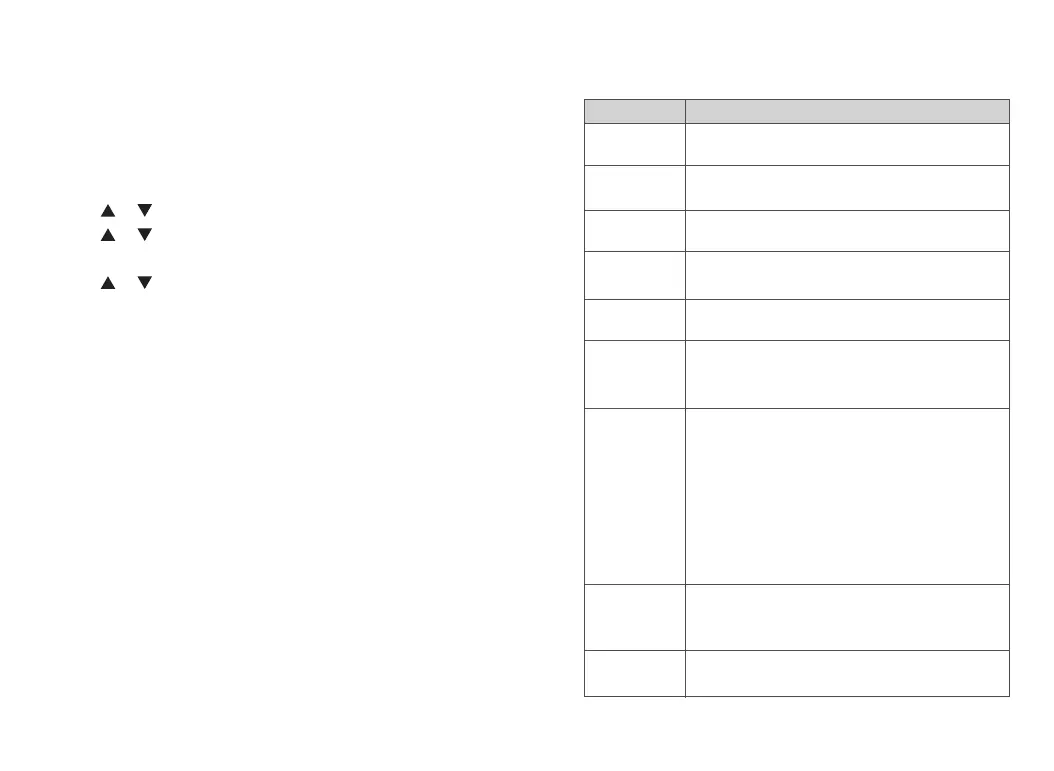
The product configuration is listed below:
88 89
Operating instructions
To set reception frequency; press * to clear all, press BACK to
delete one
To set transmission frequency; press * to clear all, press BACK
to delete one
To set channel name; press * to clear all, press BACK to
delete one
>Options: 0~15 optional
>Valid for digital mode only
>Options: 1~2 optional
>Valid for digital mode only
The difference between transmission frequency and reception
frequency in frequency mode, whether frequency has
difference depends on frequency direction
Options: Off / Positive / Negative
>Off: Transmission frequency and reception frequency have
no difference in frequency mode
>Positive: In frequency mode, the transmission frequency is
equal to the reception frequency plus the difference frequency
>Negative: In frequency mode, the transmission frequency is
equal to the reception frequency minus the difference
frequency
Options: 2.5K/5.0K/6.25K/10K/12.5K/25K/50K
>In the frequency mode, press []/[]to adjust the frequency
value in steps; scan in steps in frequency mode
Options: Analog / Digital
>Switch analog and digital mode in frequency mode
Configuration
1.Reception
frequency
2.Transmission
frequency
3.Channel name
4.Color code
5.Time slot
6.Shift frequency
7..Shift frequency
direction
8.Frequency step
9.Channel type














 To Next Page