R5900096 /00 CX-5042
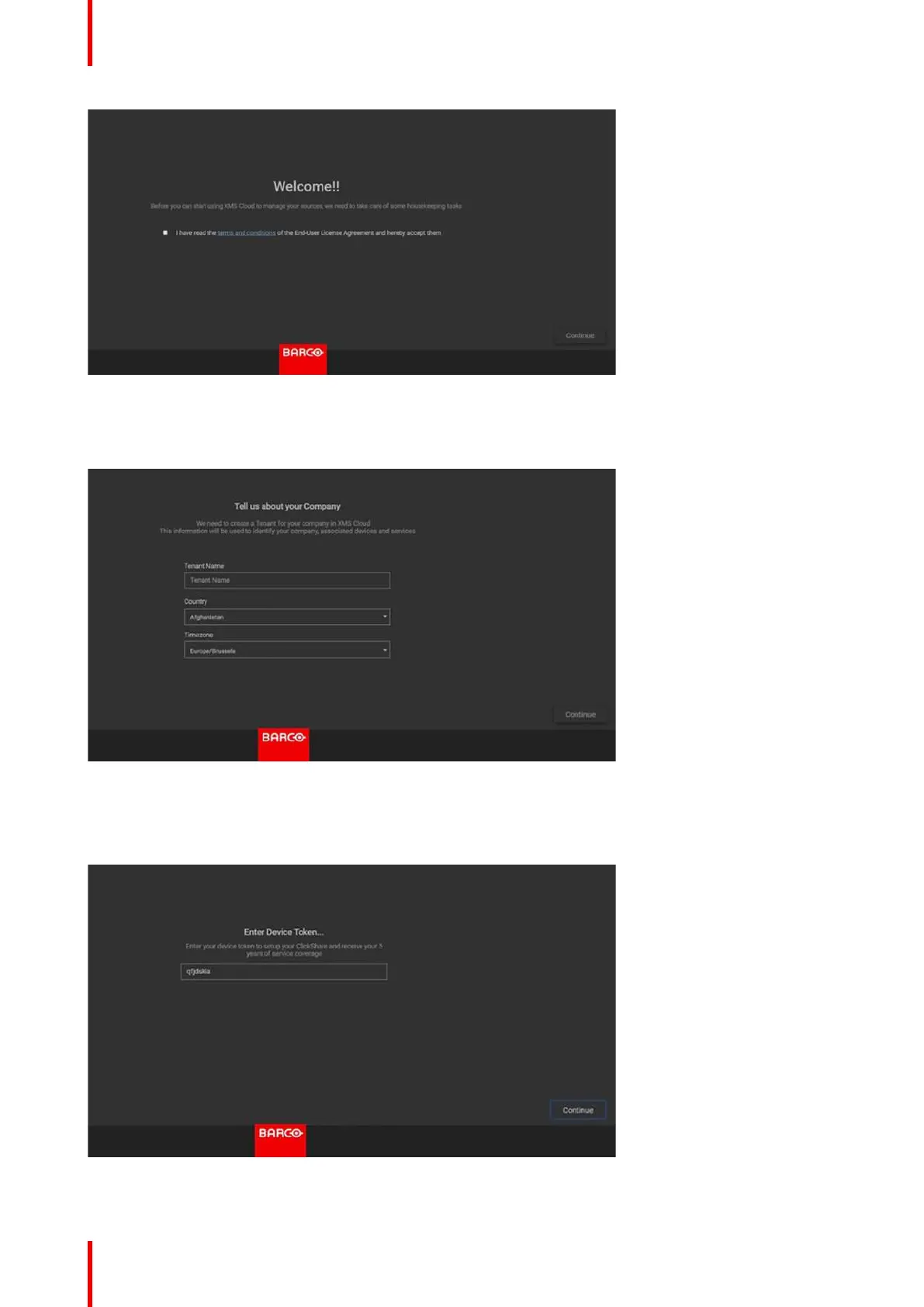
Image 4-11: Welcome page to XMS-cloud
4. Accept the End User License agreement and click Continue.
5. Fill out your company information and click Continue.
Image 4-12: Company information
6. Enter the device token to setup your device and to receive your 5 years of service coverage. The device token
is indicated on the ClickShare screen (see Image 4-9)
Click Continue.
Image 4-13: Enter device token
CX-50 Installation















 To Next Page