R5900096 /00 CX-5078
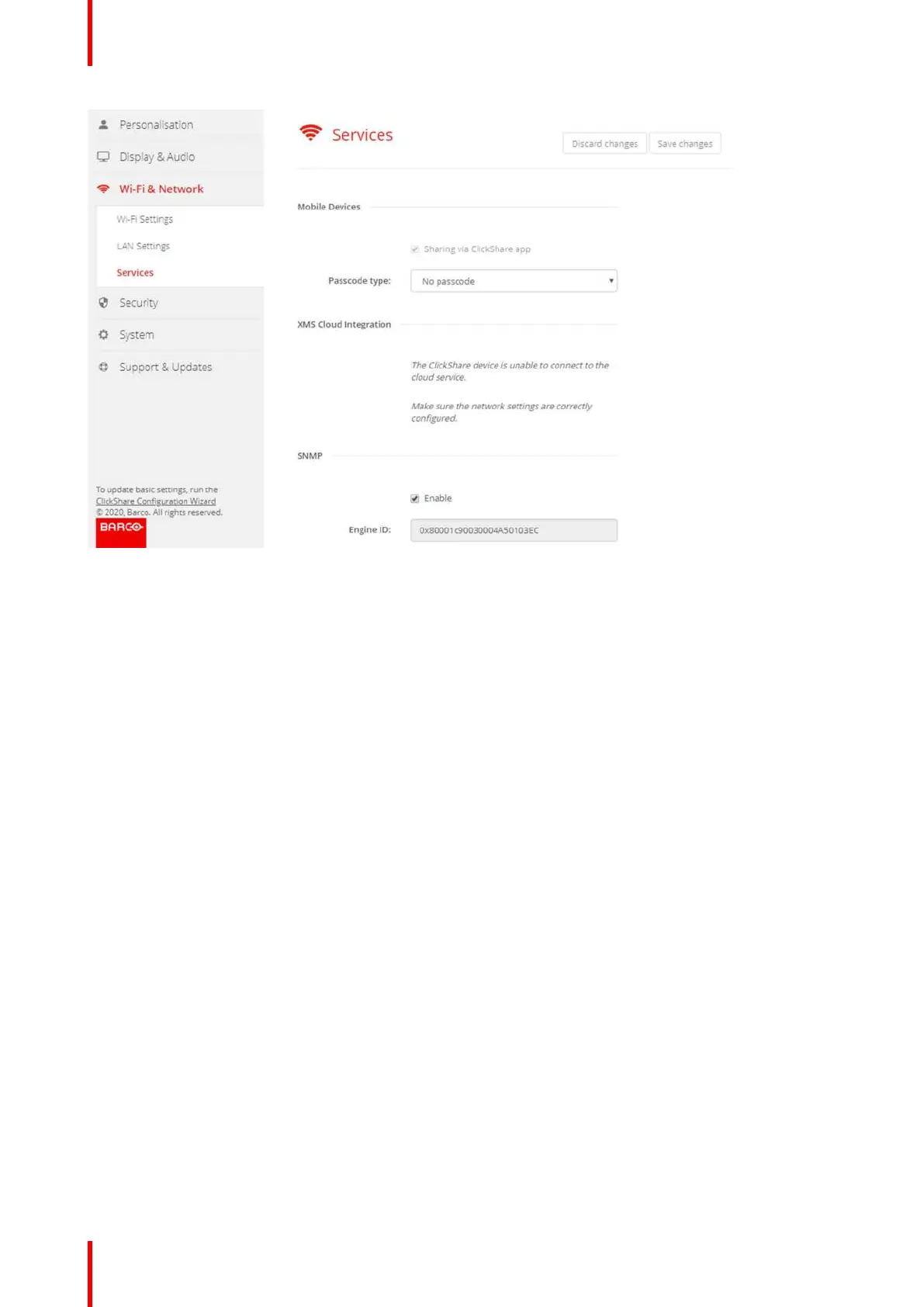
Image 6-23: Services, mobile devices
3. Click on the drop down box and select the desired passcode type.
• No passcode
• Numeric passcode
6.14 XMS Cloud Integration
Overview
When your device is not registered and connected to the cloud service, the following message will be
displayed: The ClickShare device is unable to connect to the cloud service. Make sure the network settings
are correctly configured.
When your device is correctly registered, the following message is displayed: The ClickShare device has been
successfully registered;
CX-50 Configurator















 To Next Page