R5900096 /00 CX-50 63
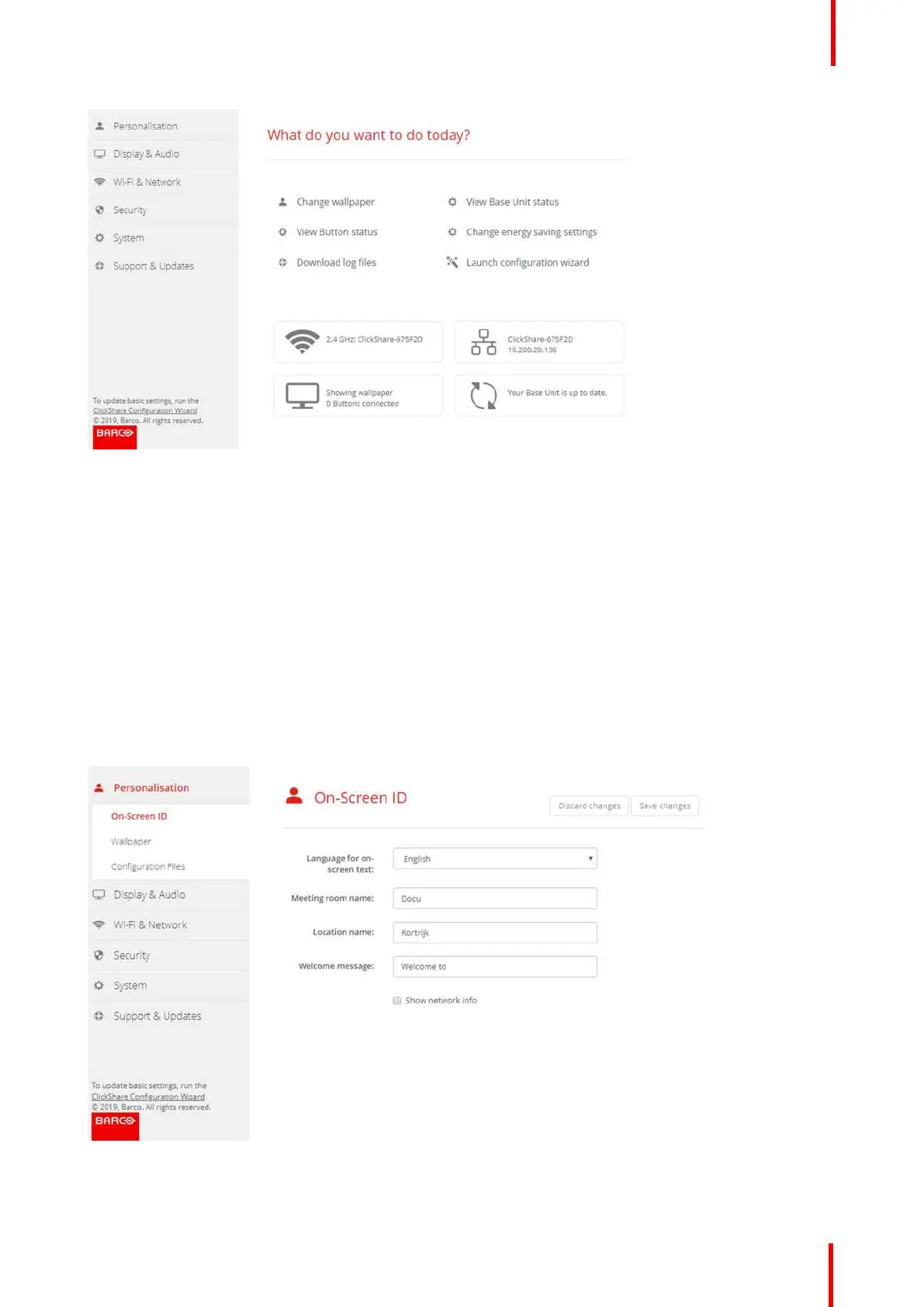
Image 6-6: Configuration Wizard start
6.3 On-Screen ID information
About device identification
The following items can be set:
• On-Screen language. Independent from the Configurator language.
• Meeting room name
• Location of the meeting room
• Welcome message to be displayed in the meeting room
• Show the network information
- Checked: LAN information such as wired IP address, hostname are displayed. Also the Wi-Fi IP
address and SSID are displayed.
- Not checked: no LAN nor Wi-Fi information is displayed (default setup)
Image 6-7: On-Screen ID
CX-50 Configurator















 To Next Page