R5900096 /00 CX-5070
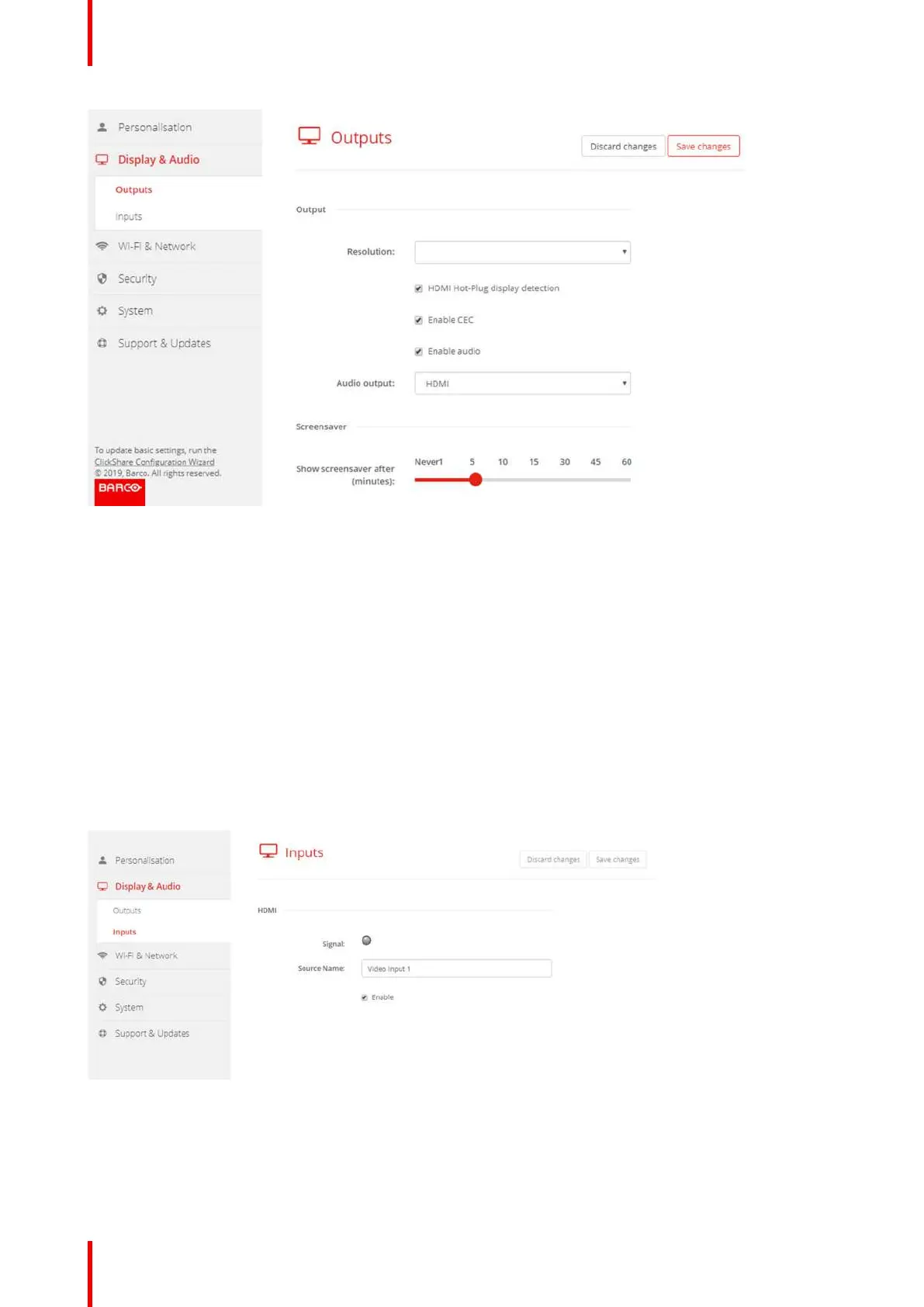
Image 6-15: Display settings
3. To activate the screen saver, drag the slider bar to the left or to the right until the desired delay time is reached.
When the slider is set completely to the left, the screen saver will never be activated.
6.9 Display setup, Inputs
About the input
When a input source is connected to the HDMI input, the Signal led lits up. The name of the source is
displayed next to Source Name but can be changed. This source name is displayed on the screen.
How to change the source name
1. Log in to the Configurator.
2. Click Display & Audio → Inputs.
Image 6-16: Inputs
3. Click in the input field, select the current name and enter a new name.
4. Click on Save changes to apply the new settings.
CX-50 Configurator















 To Next Page