R5900096 /00 CX-5082
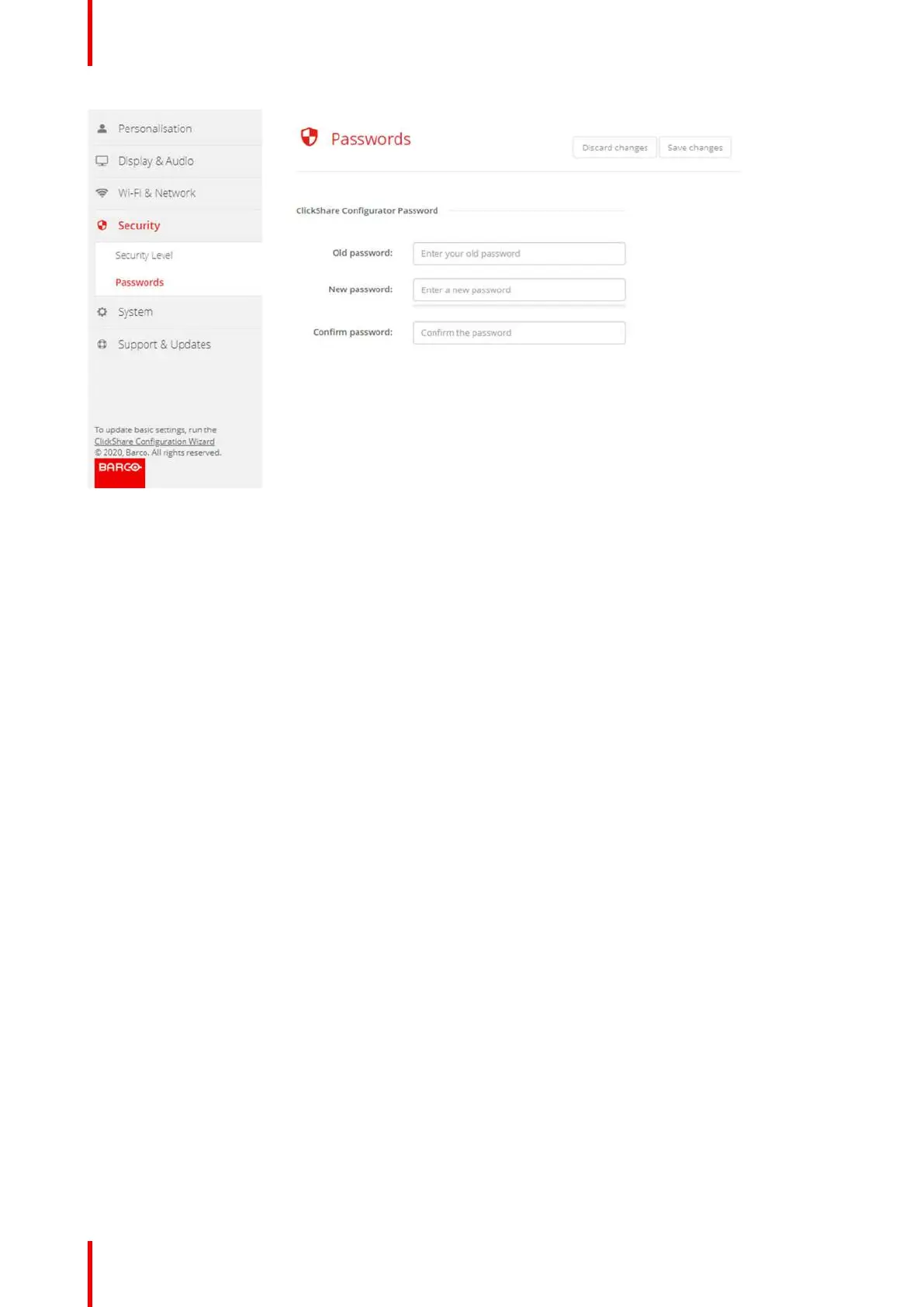
Image 6-27: Passwords
3. Click in the WebUI Password (configuration password) pane in the input field next to Old password and enter
the old password.
4. Click in the input field next to New password and enter a new password.
5. Click in the input field next to Confirm password and enter the new password again.
6. Click Save changes to apply.
6.18 Status information Base Unit
Status information
The following information can be found:
• Model information, name and part number
• Serial number
• Firmware version
• First used
• Last used
• Current uptime: time since last startup
• Lifetime uptime: time used since first startup
• Overall status
Base Unit restart
1. Log in to the Configurator.
2. Click Support → Base Unit Status.
CX-50 Configurator















 To Next Page