R5900096 /00 CX-50 83
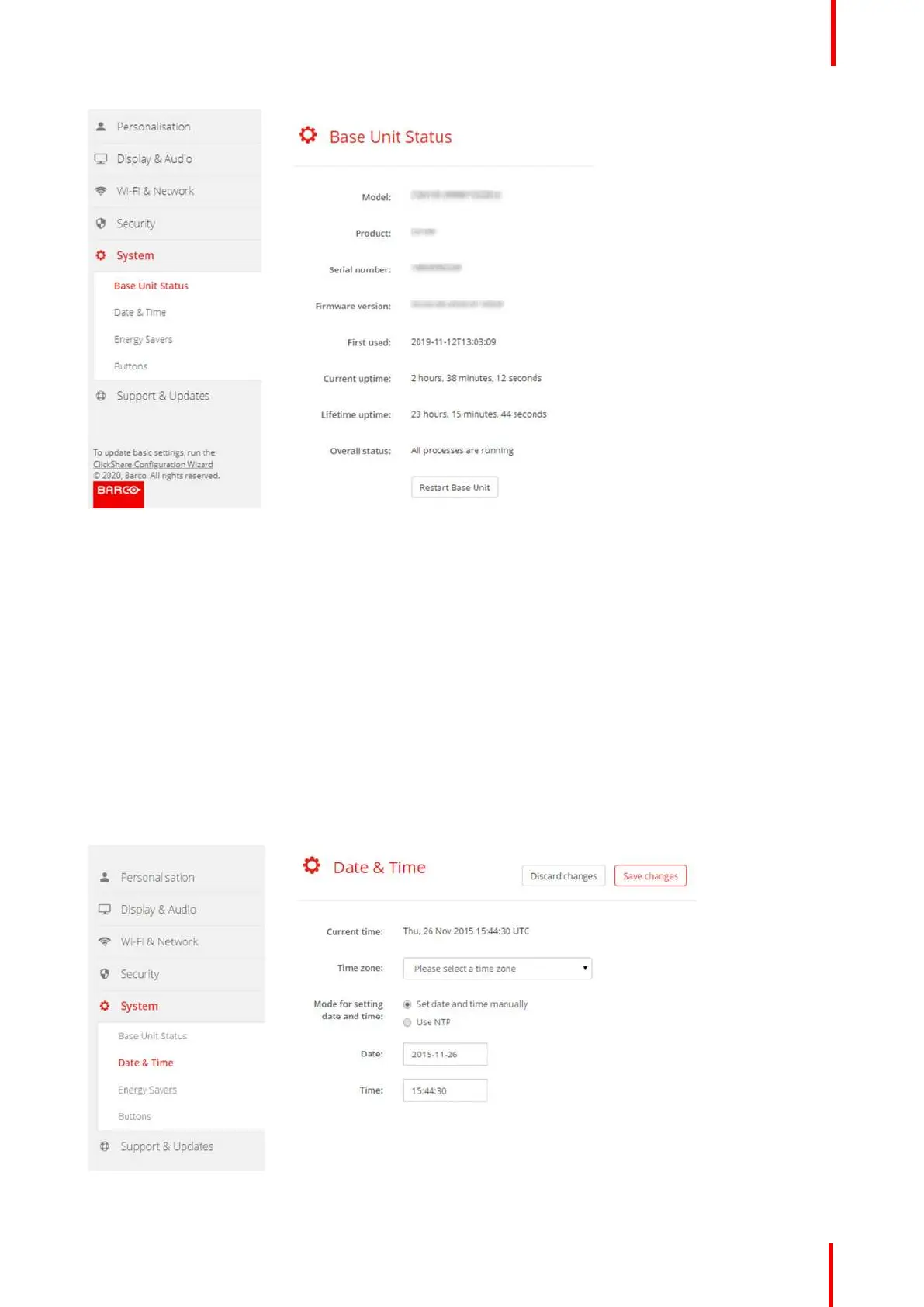
Image 6-28
3. To restart the Base Unit, click on Restart Base Unit.
A ClickShare system reboot message with progress bar is displayed while rebooting takes place.
When the reboot is finished, a re-login is necessary.
6.19 Date & Time setup, manually
About Date & Time setup
The date and time can be set manually using the time zone indication or using at least one NTP servers.
How to setup
1. Log in to the Configurator.
2. Click System → Date & Time.
Image 6-29: Manual time & date update
CX-50 Configurator















 To Next Page