R5900096 /00 CX-50 43
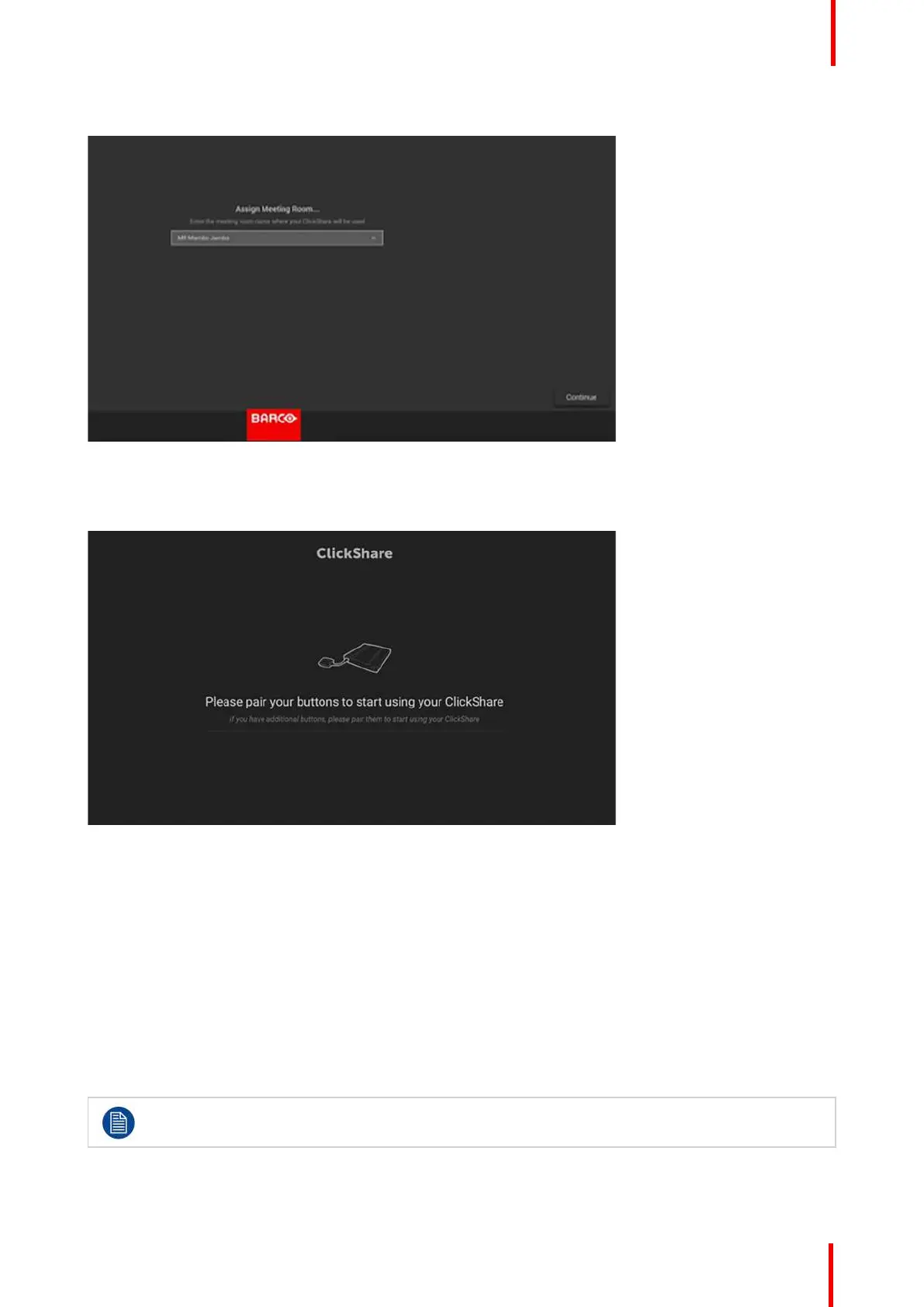
7. Assign a meeting room and click Continue.
Image 4-14: Assign meeting room
Your device is successfully registered.
8. Start pairing your buttons to start using your device.
Image 4-15: Start pairing buttons
The wallpaper page will be displayed.
4.15 Use without registration of the device
Why using offline
Several reasons are possible to use your product without registration:
• When you cannot reach the XMS servers at this moment
• If you cannot accept the XMS eula
• if you do not want the smart care package,.
then you can skip the registration
The end-customer, then has 6 months to still register the unit in XMS cloud to activate the Smart
Care package
CX-50 Installation















 To Next Page