R5900096 /00 CX-5044
How to handle
1. Connect the device’s WiFi with the instruction given on the wallpaper.
The default SSID is ClickShare-<serial number>.
Password : clickshare
2. Once your WiFi connection is made, continue with the network setting of your device.
Browse to http://192.168.2.1
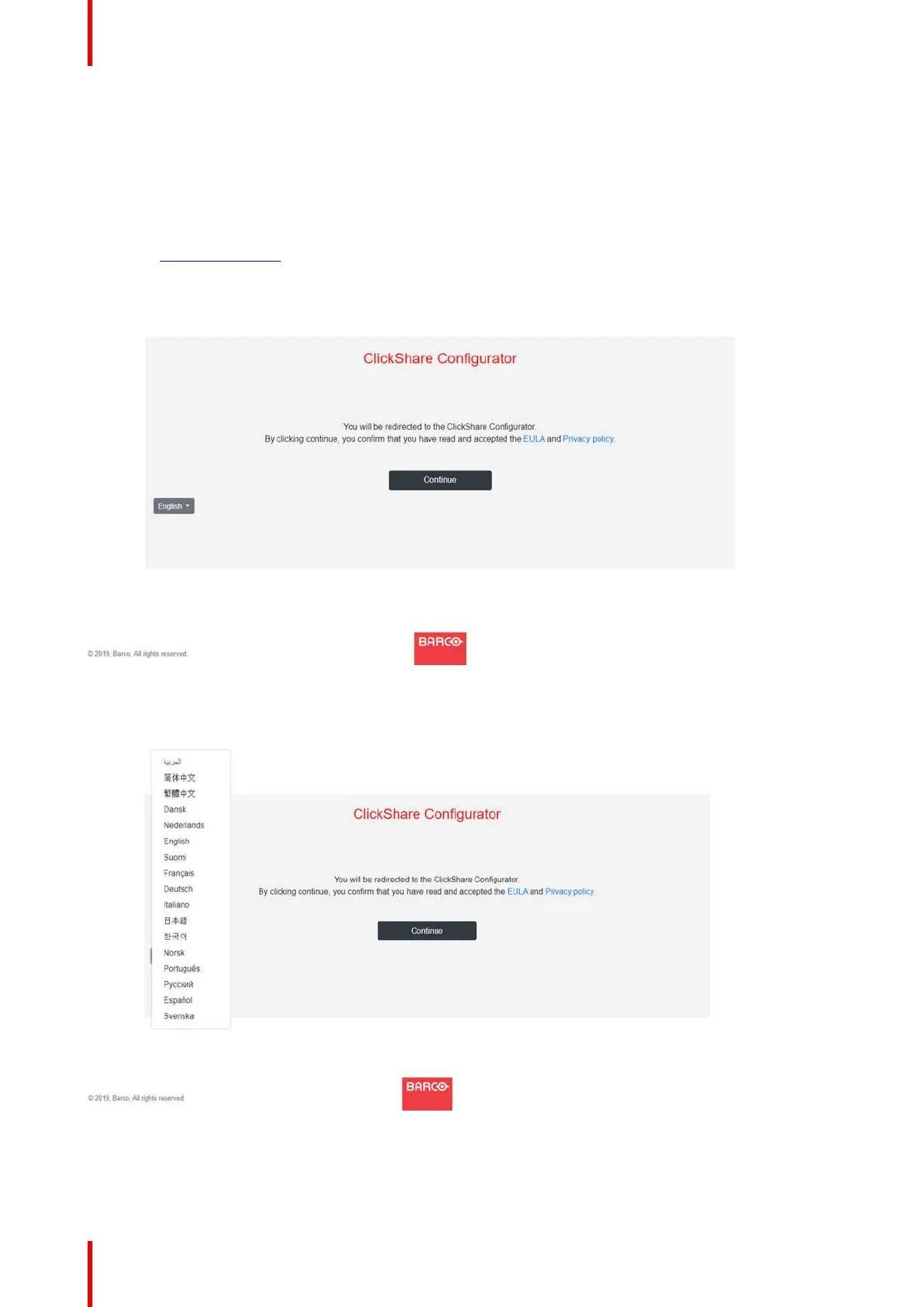
The ClickShare Configurator starts up.
Image 4-16: Configurator startup
3. To change the language, click on the drop down box of the current indicated language and select the desired
language.
Image 4-17: Configurator, language selection
4. Click Continue to start.
A registration message is displayed.
CX-50 Installation















 To Next Page