R5900096 /00 CX-50 45
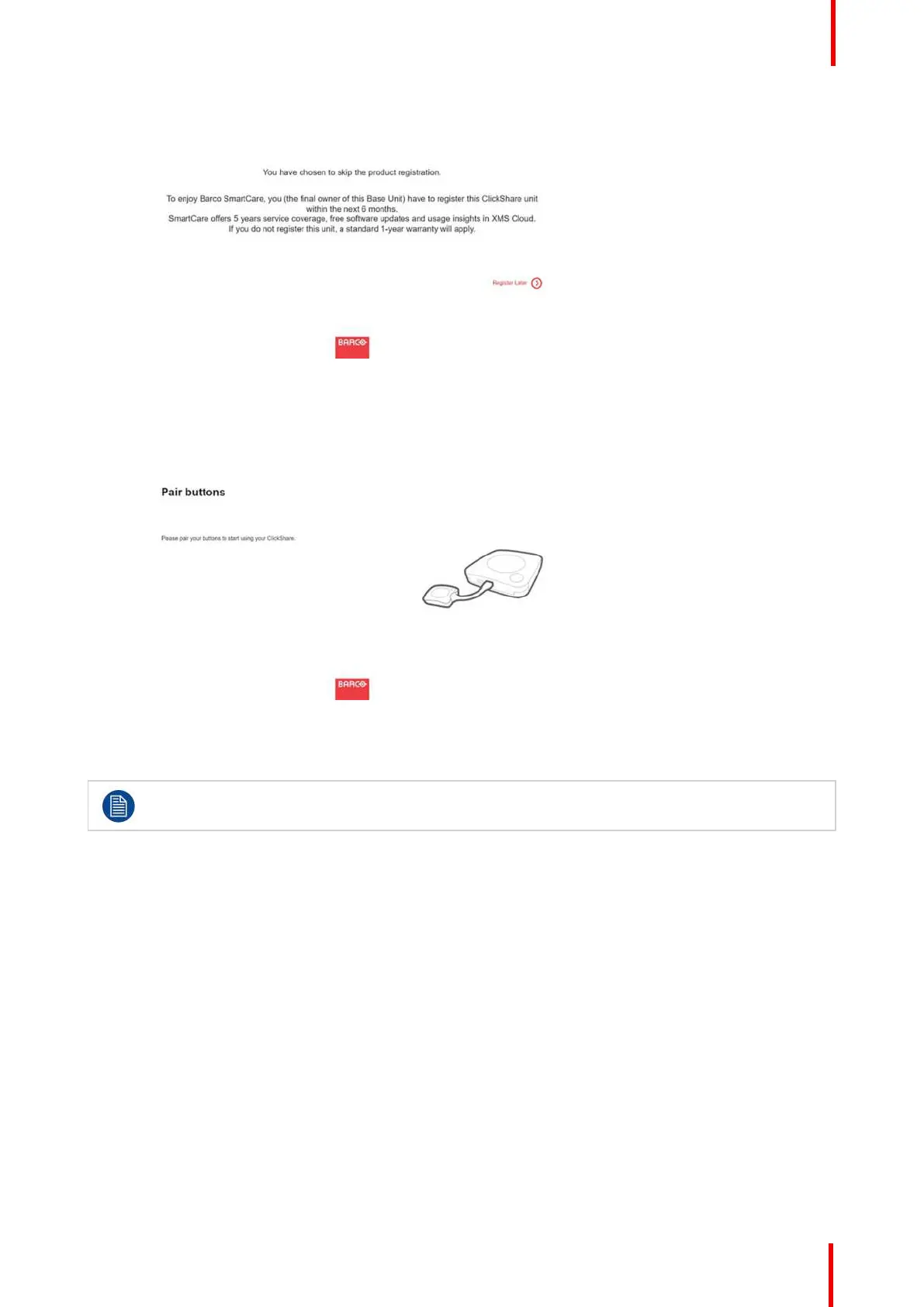
Image 4-18: Registration message
5. Click Register Later.
6. Start pairing your buttons.
Image 4-19: Start pairing
7. Start configuring the network settings. For more info, see “Basic configuration of the ClickShare device”, page
46
Your still have to register your device to get your 5 years warranty.
XMS Cloud note in Configurator
When browsing in the Configurator to Wi-Fi & Network → Services, you will see a XMS Cloud integration
message how to register it and the token to use.
CX-50 Installation















 To Next Page