EasyManua.ls Logo

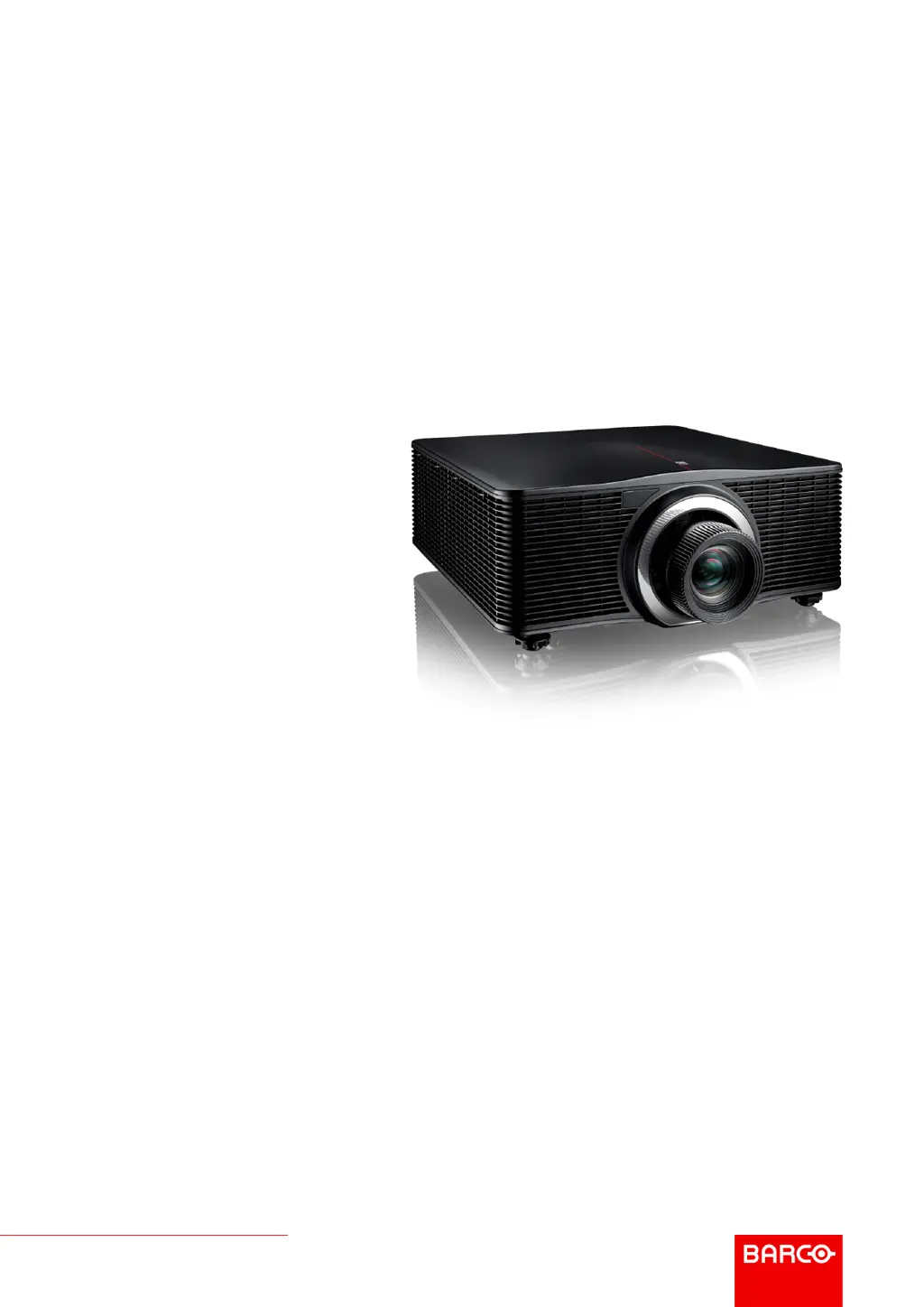
Barco G60 - User Manual

Barco G60
64 pages
Print Icon
To Next Page IconTo Next Page
Loading...
ENABLING BRIGHT OUTCOMES
User Guide
G60

Other manuals for Barco G60

Questions and Answers

  • S
    silvarachelAug 13, 2025
    How to fix Barco G60 Projector when no image appears on screen?
    • C
      cwarrenAug 13, 2025
      If no image appears on the screen of your Barco Projector, first ensure that all cables and the AC power are correctly connected. Also, check that the pins of the connectors are not crooked or broken. Finally, verify that the “Shutter (AV Mute)” function is disabled.
  • F
    Frederick AndersonAug 17, 2025
    What to do if the Barco Projector remote control does not work?
    • J
      jeremy46Aug 17, 2025
      If the remote control for your Barco projector isn't working, ensure it's pointed within ±30° to the remote receivers on the projector and that there are no obstructions. Check the remote's batteries to make sure they are correctly inserted and replace them if necessary. Also, ensure you have set the correct IR code to the remote control.
  • B
    bryan29Aug 20, 2025
    How to fix partial or scrolling image on Barco G60 Projector?
    • S
      Sarah LeeAug 20, 2025
      If you're seeing a partial, scrolling, or incorrectly displayed image on your Barco Projector, try pressing “Auto” on the remote control to automatically detect the input signal. If using a PC or Notebook, set the resolution to WUXGA (1920 × 1200) or lower. For notebooks, press the appropriate keys (e.g., [Fn]+[F4]) to send the signal to the projector. If you still have trouble changing resolutions or your monitor freezes, restart all equipment, including the projector.
  • M
    Michael MaynardAug 25, 2025
    How to adjust image size on Barco Projector?
    • M
      Michael CuevasAug 25, 2025
      If your Barco projector image is too small or too large, adjust the image size using the “Zoom ?” or “Zoom ?” button on the remote control or control panel, or select “Options > Lens function > Zoom“ from the OSD menu. You can also adjust the distance between the projector and the screen or modify the aspect ratio by selecting “Screen > Aspect Ratio“ from the OSD menu.
  • K
    Kenneth WilliamsAug 28, 2025
    How to fix blurry image on Barco G60 Projector?
    • J
      Jill ToddAug 28, 2025
      If the image from your Barco projector is fuzzy and blurry, try adjusting the focus by pressing the “Focus ?” or “Focus ?” button on the remote control or control panel until the image is sharp and clear. Alternatively, adjust focus from the OSD menu by selecting “Options > Lens function > Focus.“ Also, ensure the projection screen is at the correct distance from the projector.
  • W
    Wendy MasonSep 1, 2025
    What to do if Barco G60 stops responding?
    • V
      Vanessa ChambersSep 1, 2025
      If your Barco projector stops responding to all controls, turn off the projector if possible, then unplug the power cord and wait at least 60 seconds before reconnecting the power.
  • R
    rjonesSep 4, 2025
    How to correct keystone on Barco Projector?
    • S
      Scott AdamsSep 4, 2025
      To correct an image that is not an even rectangle on your Barco projector, use the keystone correction feature. Press the “Keystone H“ and “Keystone V“ buttons on the remote control, or navigate to “Screen > Geometric Correction > V. Keystone or “H. Keystone” in the OSD menu.
  • T
    Travis HodgesSep 8, 2025
    How to reverse image on Barco G60?
    • L
      Lisa McdonaldSep 8, 2025
      To reverse the image on your Barco projector, enable rear projection by selecting “Screen > Rear Projection > On” from the OSD menu.

Summary

Safety

General Considerations

Essential guidelines for safe operation and installation of the projector.

Important Safety Instructions

Detailed instructions to prevent electrical shock, personal injury, and fire hazards.

Product Safety Labels

Explains safety labels related to laser beams and product compliance.

Product Overview

Powering On;Off the Projector

Powering On the Projector

Step-by-step guide on how to turn the projector on and start operation.

Powering Off the Projector

Instructions on how to properly shut down the projector and enter standby mode.

User Controls

On-Screen Display Menus

How to navigate and use the projector's On-Screen Display (OSD) menus for settings.

Picture Menu

Adjustments for image quality including display mode, brightness, contrast, and color.

Troubleshooting

LED Indication Chart

Explains the meaning of LED status indicators for diagnosing issues.

Projector Problems

Solutions for common projector issues like no image, distorted image, or unresponsiveness.

Barco G60 Specifications

General IconGeneral
BrandBarco
ModelG60
CategoryProjector
LanguageEnglish

Related product manuals