R5910888 /00 G6036
4.6 Options Menu
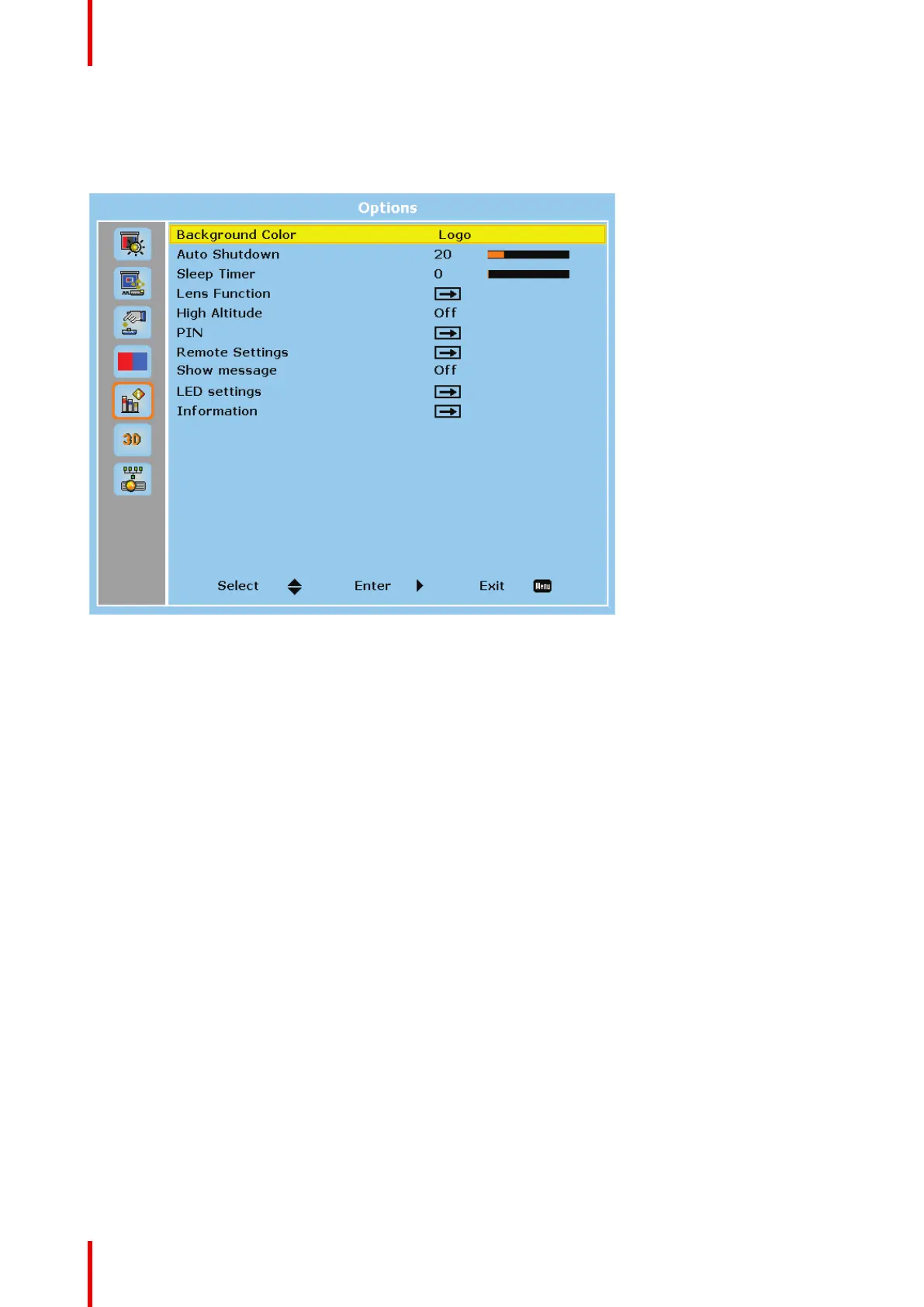
Overview
Image 4-13
Background Color
Select the background color when no signal is detected. The available options are Logo, Blue, Black, and
White.
Auto Shutdown
Set a time value for the projector to automatically turn off if no signal is detected within the specified time
period.
Sleep Timer
Set a time value for the projector to automatically turn off after operating for the specified amount of time.
Lens Function
Configure the lens settings.
User controls


 To Next Page