EasyManua.ls Logo

Barco MDNG-6221 - User Manual

Barco MDNG-6221
54 pages
Print Icon
To Next Page IconTo Next Page
Loading...
ENABLING BRIGHT OUTCOMES
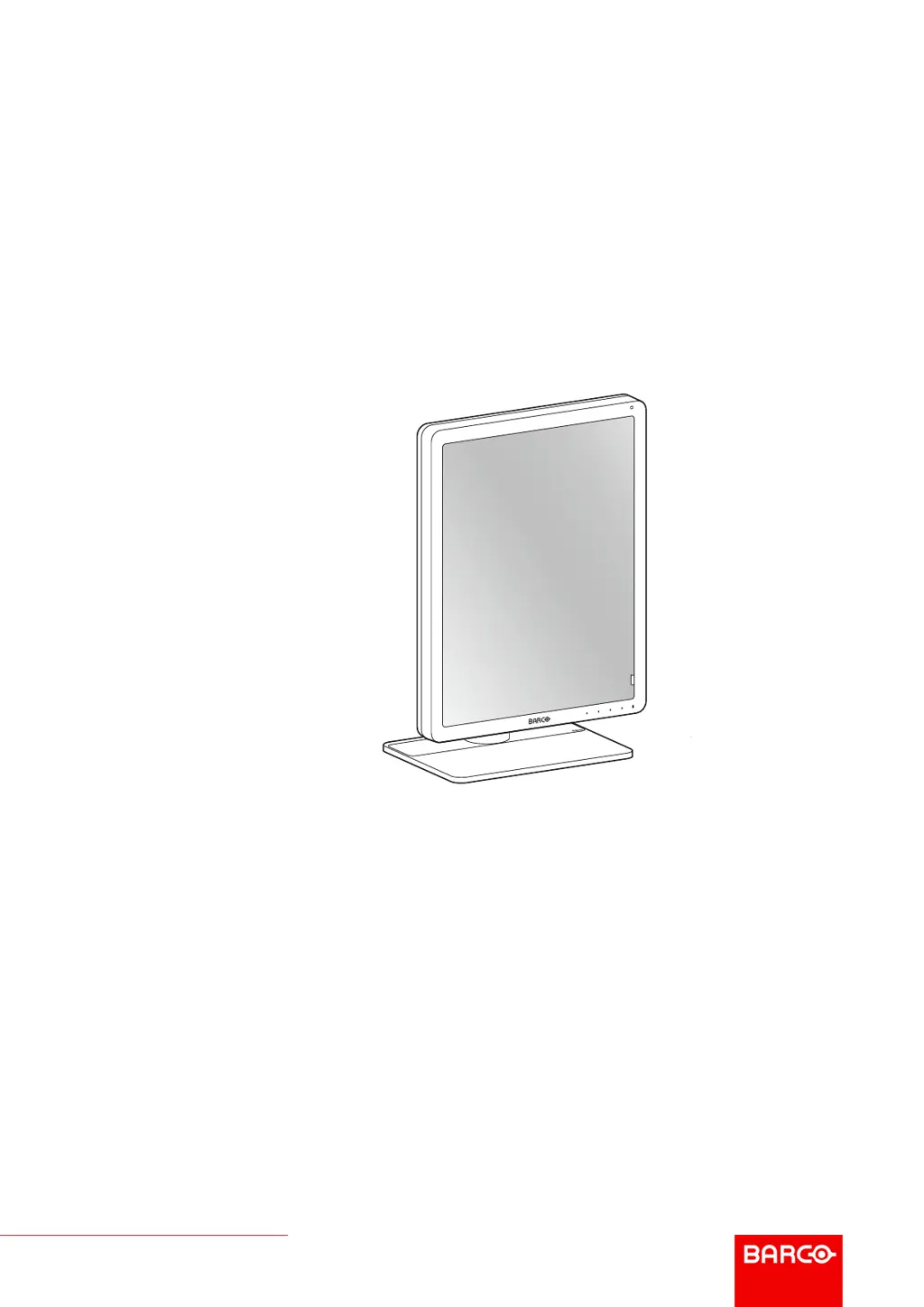
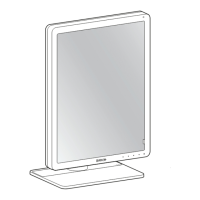
MDNG-6221 (option NC EM)
User Guide
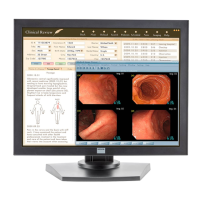
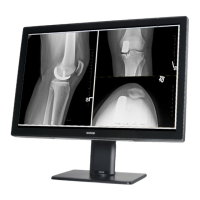
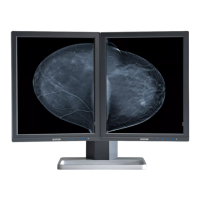
5.8MP high-bright display
Nio 5MP

Questions and Answers

  • K
    Keith RoachAug 12, 2025
    How to adjust grayscales on Barco MDNG-6221?
    • M
      Michael ScottAug 12, 2025
      To adjust the grayscales on your Barco Monitor, set the Display Function to DICOM using the NioWatch software. Additionally, if you've installed the driver software with an inappropriate selection of Palette Settings (Static Gray with or without System Colors), reinstall the driver software, choosing a different setting for Palette Settings.
  • C
    Christy TaylorAug 22, 2025
    What to do if my Barco MDNG-6221 Monitor screen remains black?
    • V
      Victoria EdwardsAug 22, 2025
      If your Barco Monitor screen remains black, there are several potential solutions. First, ensure you have followed the installation procedure detailed in the manual. If the LED at the front of the monitor is orange, the display is in standby mode. Check in the Windows Display Properties to confirm that the display controller video heads are attached; otherwise, there will be no image. Finally, the external power supply might be defective.
  • C
    Christine BurtonSep 1, 2025
    Why does my Barco Monitor image exhibit noise or interference?
    • R
      Richard WangSep 1, 2025
      Noise or interference in your Barco Monitor's image could stem from a few sources. The video cable might be of poor quality, or the DVI video cable may not be firmly connected to the PC or the display. Also, if analog video is selected, the display may require Phase and Frequency adjustments.

Barco MDNG-6221 Specifications

General IconGeneral
BrandBarco
ModelMDNG-6221
CategoryMonitor
LanguageEnglish

Related product manuals