15
Instructions For Use
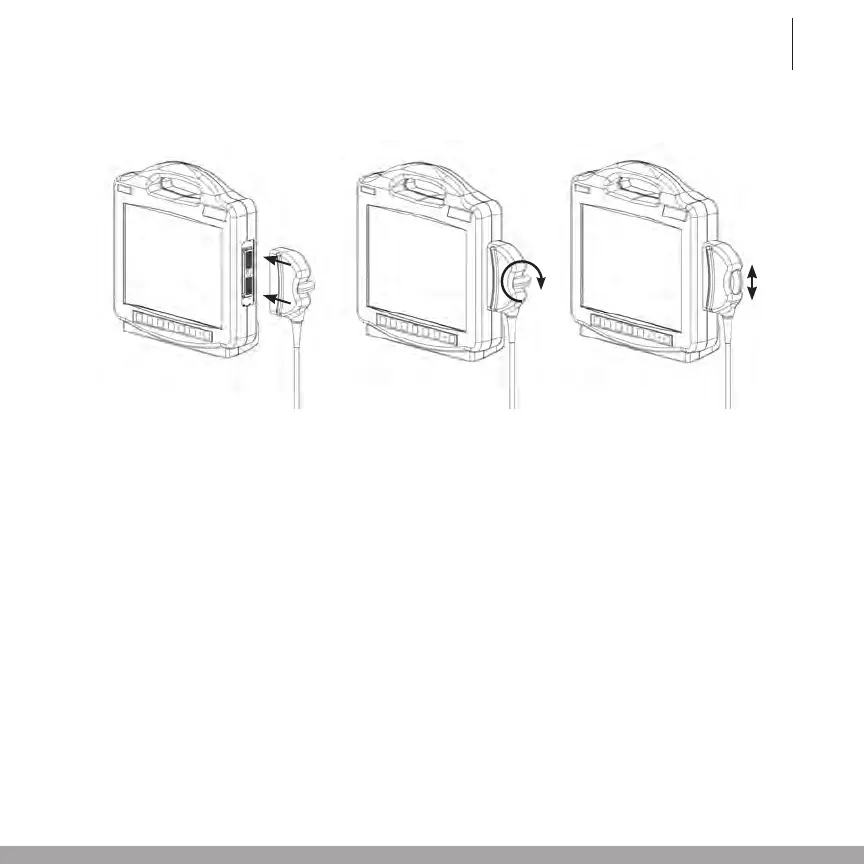
2.4 Connecting and Disconnecting the Site~Rite
*
6 Ultrasound System Probe
2.5 Powering on the Site~Rite
*
6 Ultrasound System
To power on the Site~Rite
*
6 Ultrasound System
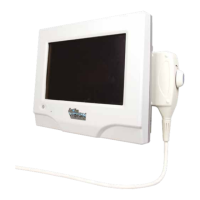
1. Verify that the probe is connected to the Site~Rite* 6 Ultrasound System scanner.
2. Depress and release the power button located on the front of the Site-Rite* 6 Ultrasound
System scanner.
3. Waitapproximately20secondsforthedisplayscreentoilluminate.
4. To power off the Site~Rite* 6 Ultrasound System, depress and release the power button
again. The system is powered off when the display screen darkens.
Warning:
Use only Bard Access Systems probes with this system. Use of unapproved probes may result in patient
injury or equipment damage.
Caution: Do not pull the cable to disconnect the probe connector from the scanner. Pulling the cable may
damage the cable, cable connection or scanner.
Caution: Donottwistorbendtheprobecableinexcessofthatrequiredduringnormaluseoftheprobe.
Excessivetwistingorbendingofthecablemaycausefailure,intermittentorunpredictableoperation.
1. 2. 3.



 To Next Page