BARIGO E7/E7S
8 Setting the units (UNIT)
Your BARIGO E7/E7S provides the option of setting the different
units to suit your own needs. You can change the units for the
altitude (m/ft), atmospheric pressure (hPa/in Hg), temperature
(°C/°F) and time- (12/24) and date formats (DD-MM/MM-DD). To
open the setting menu, do the following:
1. In normal watch mode,
keep S4 pressed down un-
til the main menu appears.
2. Use the S1 and S3 buttons
to scroll to the menu item
SETTINGS and press the
S2 button to open the sub-
menu.
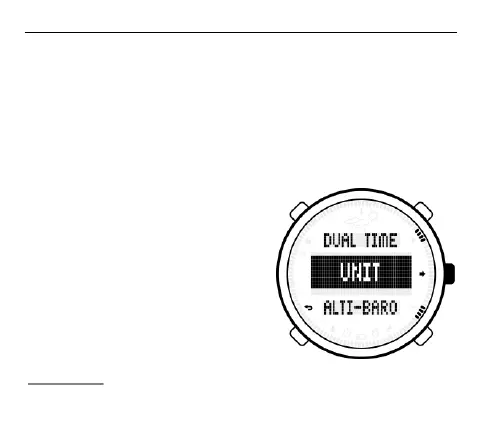
3. Next, use the S1 and S3
buttons to scroll to the
submenu item UNITS.
Confirm your selection with S2.



 To Next Page