BARIGO – Makes the Difference
3.1 Navigation in the main- and sub-menu
In normal mode (watch mode), keep the S4 button pressed down in
order to access the main selection menu. The S1 and S3 buttons
allow you to scroll forwards and backwards through the individual
menu items. The menu item, which is displayed in the middle row,
can be selected by pressing the S2 button.
To return to normal watch mode, press the S4 button.
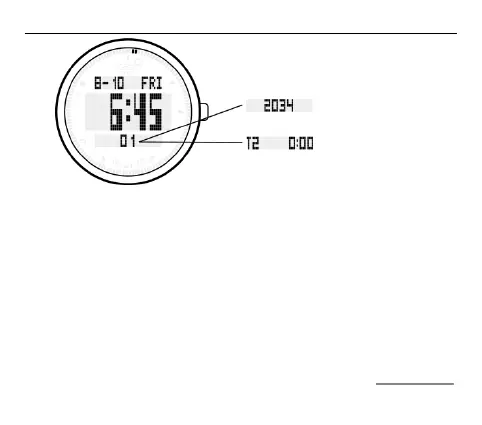
Toggle the display
in watch mode by
pressing the S4
button



 To Next Page