BARIGO – Makes the Difference
3.6 Stopwatch
The stopwatch has a range of values of up to 99 hours, 59 minutes
and 59 seconds, including the function for the split times.
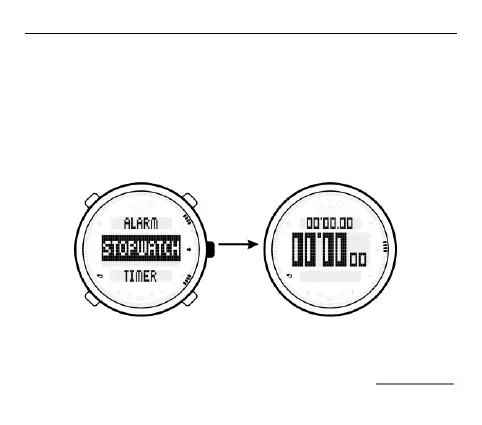
To select the stopwatch function, press the S4 button to access the
main menu. Choose the STOPWATCH (stopwatch) function.
To start the stopwatch press the S2 button. The middle row of the
display displays the time that has passed. The bottom row shows



 To Next Page